 Skip to main content



If you rent out excavators, generators, compressors, or any other heavy equipment, your website has quietly become your busiest branch. It’s open around the clock, it never calls in sick, and — if it’s built correctly — it can take a booking, check stock, and send an invoice before your team has even opened the shop. Get the builder wrong, though, and that same website becomes a liability: broken booking widgets, no real-time availability, and customers who give up and call a competitor instead.
This guide draws on what we’ve seen work (and fail) across hundreds of equipment, tool, and vehicle rental operators who’ve migrated their sites over the past few years, so you can choose a platform that actually fits how a machinery rental business runs — not just how it looks.
Understanding Website Builders for Rental Businesses
What Is a Website Builder, and Why Machinery Rentals Are Different
A website builder is a platform that lets you assemble and publish a website without writing code from scratch. For a coffee shop or a photography portfolio, a generic drag-and-drop tool is often enough. Machinery rental is a different animal: your site needs to show live availability, calculate rental rates by day/week/month, handle deposits and damage waivers, and route B2B customers (contractors with net-30 terms) differently from a B2C customer renting a pressure washer for the weekend.
Platforms purpose-built for this, such as Sharefox’s rental software for construction and machinery, fold the website, the booking engine, and the inventory system into one system rather than bolting a rental plugin onto a generic site builder.
| Customer Type | What the Website Needs to Handle |
|---|---|
| B2C customers | Simple self-service booking, transparent pricing, instant payment |
| B2B / contractor customers | Credit terms, multi-unit orders, recurring bookings, account-level pricing |
The Real Benefits of Getting This Choice Right
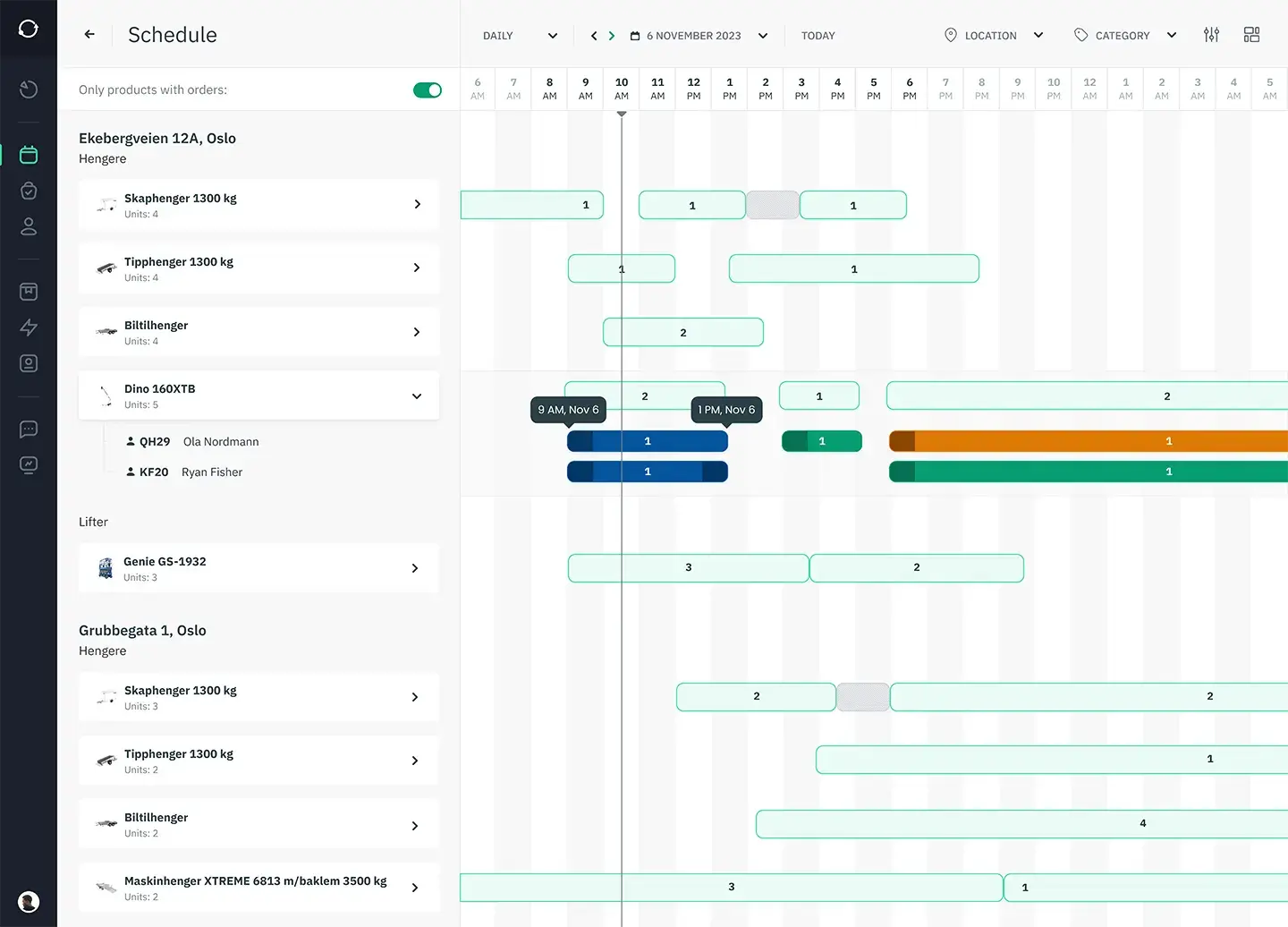
The operators who see the biggest gains use their website to collapse booking, inventory, and invoicing into a single workflow — not three disconnected tools stitched together with spreadsheets. Done well, this reduces manual admin and data-entry errors, lets customers self-serve around the clock, and — because idle equipment is a direct hit to revenue — tends to lift utilization per asset. Most serious platforms in this space also connect to accounting and payment providers, so a booking on the site doesn’t mean someone still has to key the invoice into QuickBooks by hand.
Generic Builders vs. Rental-Specific Platforms
There’s a real fork in the road here. General-purpose builders (Wix, Squarespace, Weebly) are excellent for brochure sites and simple online stores. Rental-specific platforms — Sharefox positions itself as an all-in-one rental commerce platform for equipment, tools, vehicles, and self-storage — go further, offering the inventory and rental management system a fleet of machinery actually requires: serialized asset tracking, maintenance scheduling, and multi-location availability.
| Factor | Generic Website Builder | Rental-Specific Platform |
|---|---|---|
| Best fit | Simple sites, portfolios, basic online stores | Equipment, tool, vehicle, and self-storage operators |
| Real-time availability | Usually needs a third-party plugin | Built in |
| B2B pricing / terms | Limited or manual | Native support |
| Typical buyer | Solo entrepreneurs, small retail | SMB and mid-market rental operators |
Key Features to Look for in a Website Builder
Rental-Ready Templates
A template library is only useful if the templates understand your business model. Look for a builder offering templates with self-service check-in/out already wired in — Sharefox, for example, integrates with smart-lock providers like Sharebox and Inlet so a customer can collect a rented tool from a locker without a staff member present. The strongest platforms also support multiple commerce models at once — subscription rentals, short-term hire, long-term leasing, and outright sales — inside one flexible, “MultiCommerce” setup, which matters if your business rents some equipment and sells consumables alongside it.
Customization That Matches Your Brand and Your Pricing Logic
Templates give you a starting point; customization is what makes the site actually yours. Beyond fonts and colors, the customization that matters most for machinery rental is on the pricing side: tiered daily/weekly/monthly rates, deposits, damage waivers, and delivery fees all need to be configurable without a developer. A platform’s flexible pricing engine is often the difference between a site that looks right and one that actually bills correctly.
SEO and Analytics Built In, Not Bolted On
Discoverability isn’t optional for a machinery rental business — most rentals start with a local search (“mini excavator rental near me”). A capable builder should give you clean URL structures, fast page loads, and analytics that show which equipment categories are actually driving bookings. We cover the fundamentals in more depth in our guide to SEO and keyword strategy for rental businesses.
“The rental businesses that win online aren’t the ones with the flashiest homepage — they’re the ones where a customer can see real availability, get an accurate price, and book in under two minutes. Every extra click or phone call you force someone into is a chance for them to go to a competitor instead.” — Independent rental operations consultant, in conversation with the Sharefox editorial team
How to Actually Build the Site
Start With the Right Structural Template
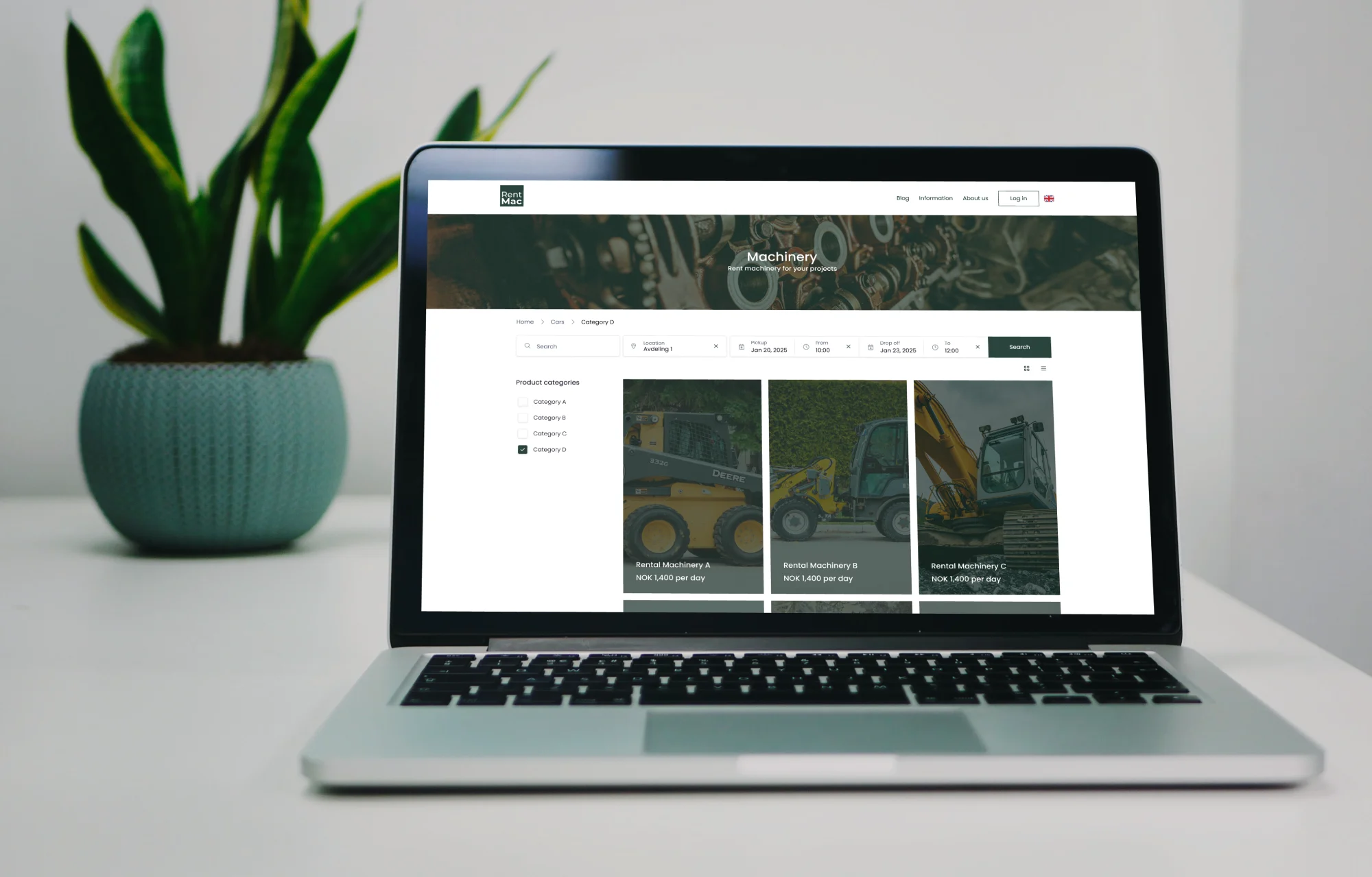
Before you touch colors or copy, map out what a visitor actually needs to do: check availability, compare equipment, get a quote, and book. Rental operators modernizing an outdated site, mobility fleets wanting a smoother digital journey, and self-storage managers all need slightly different structures — but they share the same underlying requirement: a template that’s built around a booking flow, not a blog.
Build in Minutes, Not Months
With the right foundation, a working site — categories, availability calendar, and checkout — can go live in a fraction of the time a custom build would take. The goal is to simplify booking, inventory, and invoicing into one system, cutting the manual admin that eats into an operator’s week and letting customers self-serve instead of calling in for a quote.
Publish, Then Connect the Rest of Your Stack
Publishing isn’t the finish line — it’s the point where your website needs to start talking to the rest of your business. Confirm your booking engine connects to your accounting software (Fortnox, QuickBooks, or similar) via your platform’s integrations, that your payment processor is live, and that your inventory counts update automatically the moment something is booked.
Comparing Popular Website Builders for Machinery Rentals
| Builder | Best for | Rental-specific features | Where it falls short for machinery rentals |
|---|---|---|---|
| Wix | General small business sites | E-commerce add-ons via app marketplace | No native rental availability, deposits, or B2B pricing |
| Squarespace | Brand-forward, design-led sites | Limited booking apps | Not built for serialized inventory or maintenance tracking |
| Shopify | Product-based e-commerce | Rental add-ons possible via third-party apps | Rental logic is bolted on, not native; can get costly at scale |
| Weebly | Very simple, low-budget sites | Basic online store tools | Minimal customization for complex rental pricing |
| Sharefox | Equipment, tool, vehicle & self-storage rental operators | Native booking, inventory, invoicing, B2B/B2C pricing, self-service check-in/out | Less suited to non-rental businesses (by design) |
Generic builders are worth considering if your rental operation is genuinely small and simple — a handful of items, no complex pricing, no B2B accounts. Once you’re managing serialized inventory, multiple locations, or contractor accounts, the gap between “a website that looks fine” and “a website that runs the business” starts to matter a lot more.
If You’re Starting on a Free Plan
A free plan on Wix or Weebly can be a reasonable way to get something live while you validate demand — just go in aware of the trade-offs: builder branding on your pages, a subdomain instead of your own domain, and no meaningful rental logic. Treat it as a placeholder, not a long-term home, especially once you’re taking real deposits and managing real equipment.
Professional Website Design Tips for Rental Operators
Make the Site Look and Feel Like Your Business
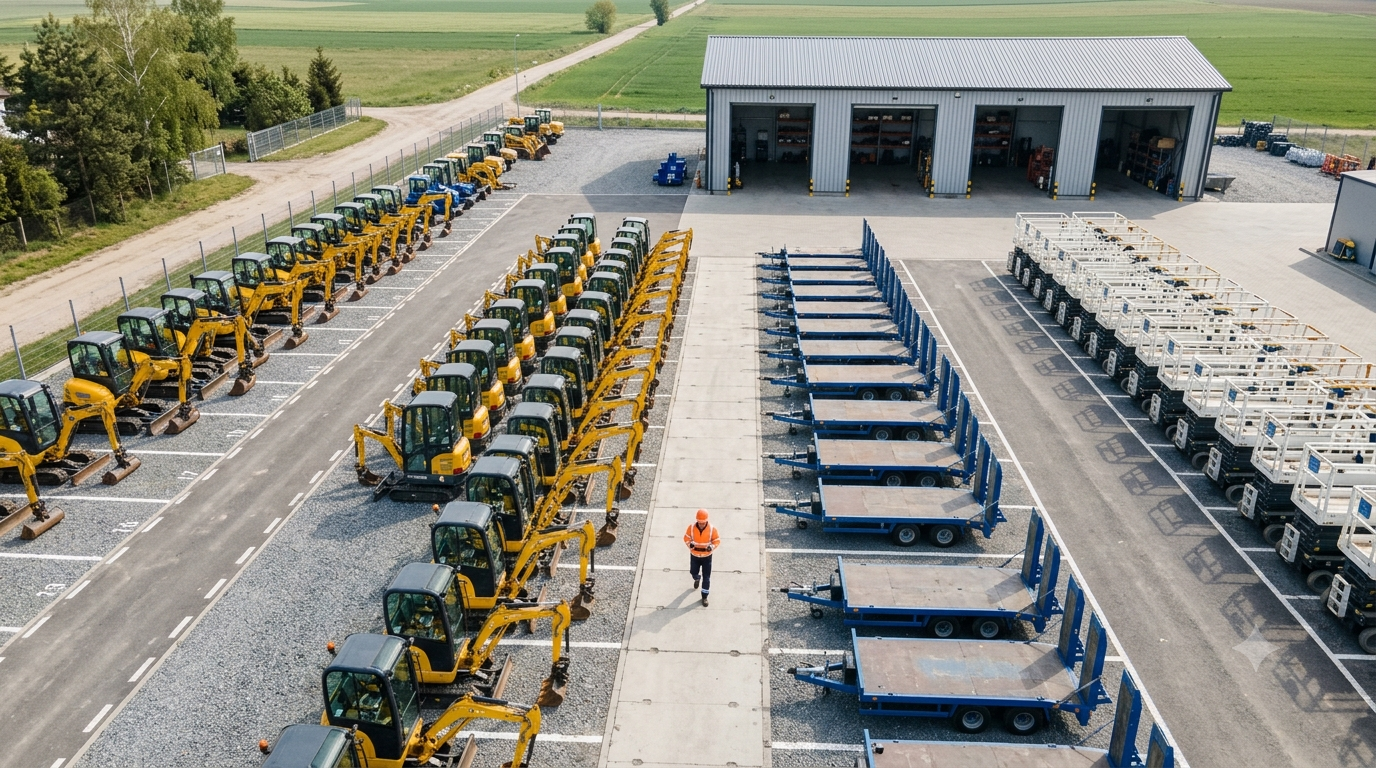
Generic templates read as generic. Small, consistent choices — your actual fleet photography instead of stock images, your real pricing instead of placeholder numbers, your own FAQ instead of a template’s example text — do more for trust than any design trend. If you’re just getting started, our guide to building a website for a small rental business walks through the basics in more detail.
Mobile Responsiveness Isn’t Optional
A large share of rental searches happen on a phone, often from a job site. If a customer can’t check availability or complete a booking cleanly on mobile, they’ll call a competitor instead — or worse, just leave. Test your actual booking flow on a phone, not just the homepage.
Where AI Genuinely Helps (and Where It Doesn’t)
AI tools can speed up layout suggestions, first-draft copy, and image selection, and that’s genuinely useful for getting a site off the ground faster. But for a rental business, no AI layout suggestion replaces getting the booking logic right — accurate availability, correct pricing tiers, and a checkout that doesn’t overbook the same excavator to two customers on the same day.
Growing Your Business With Your Website
Hosting and Reliability
Your site needs to stay up during your busiest hours — which, for most rental businesses, means weekends and peak season, exactly when a competitor’s downtime would send customers your way instead. Server uptime, load handling during traffic spikes, and a valid SSL certificate aren’t nice-to-haves; they’re the baseline for taking payments online at all.
Maintaining the Site Is an Ongoing Job
A rental website isn’t a one-time project. Keeping inventory and pricing accurate, fixing broken links, and reviewing security regularly all matter — especially during busy seasons when the cost of a broken booking flow is highest. Neglect this and you end up with the exact fragmented, error-prone setup a good platform was supposed to fix in the first place.
Turning the Website Into a Growth Engine
The end goal is a site that does more than describe your business — one that actively expands it. That means using self-service booking to free up staff time, using accurate real-time inventory to avoid double-bookings, and using your demo or trial as a low-friction way for prospects to see the system before committing. Get that flywheel turning, and your website stops being an expense and starts being your most productive employee.

 All in one platform


