 Skip to main content


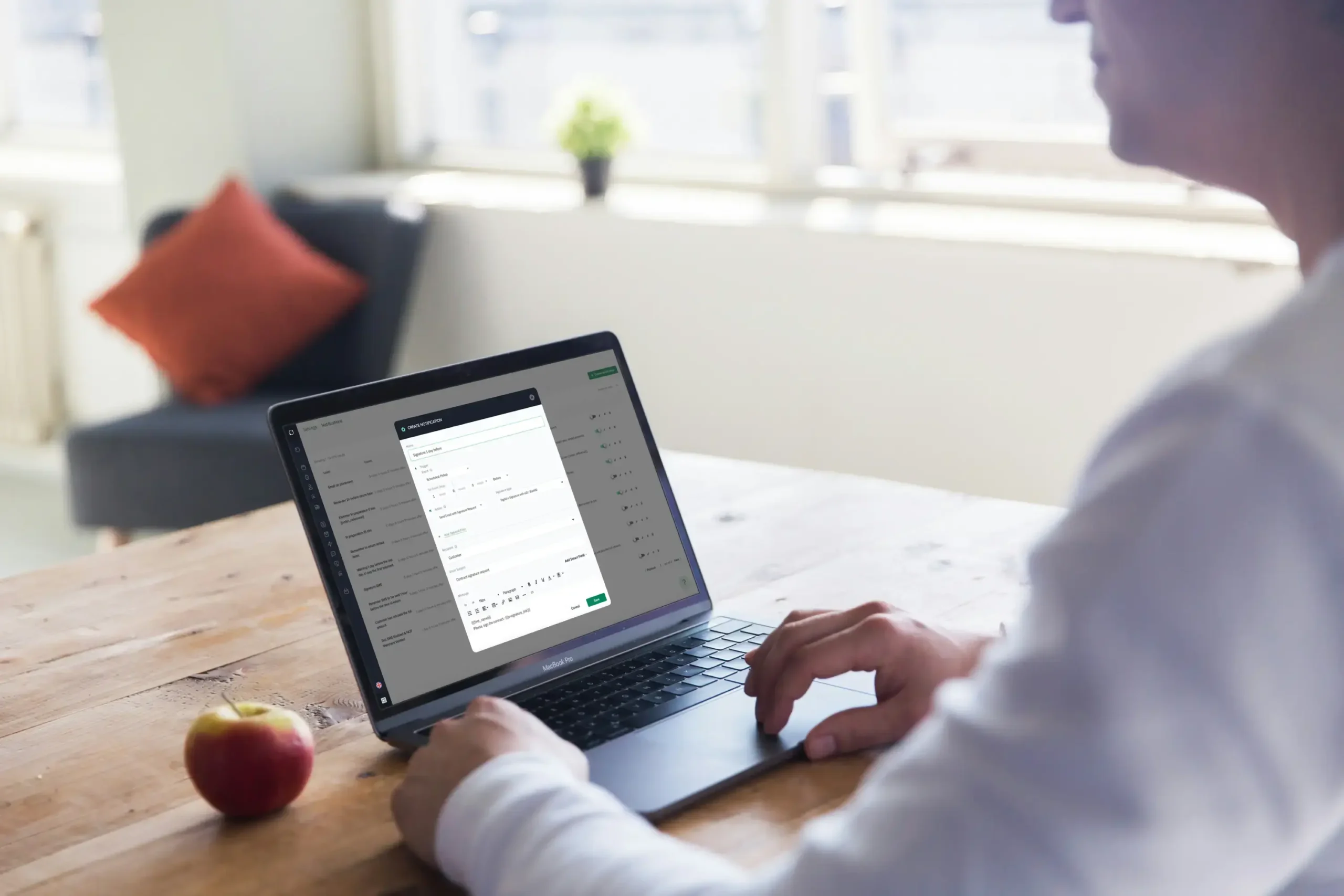
Every hour a rental agreement sits unsigned is an hour your equipment, vehicle, or storage unit isn’t earning revenue. Secure e-signatures close that gap. This guide explains what e-signatures actually are, why they hold up legally in the United States, and how rental businesses use them to sign faster, reduce disputes, and run a more professional operation — including how the model connects to a broader self-service rental setup.
Understanding e-signatures
What is an electronic signature?
An electronic signature, or e-signature, is any electronic process that shows a person intends to accept an agreement. It’s a broader concept than “a picture of my handwritten signature” — a typed name, a checkbox, a click-to-accept, or a cryptographically verified signature can all qualify, depending on the method and the level of assurance required.
Types of e-signatures
Not all e-signatures carry the same weight:
- Simple electronic signatures — a typed name or a “click to accept” button. Fast, but with limited identity verification.
- Advanced electronic signatures — tied to the signer through methods such as one-time codes, email verification, or ID lookups.
- Digital signatures — a specific, cryptographic type of e-signature that binds the signer’s identity to the document using a certificate, making any later tampering detectable.
Which one you need depends on the value of the contract and how much identity assurance your business requires — a €50 tool rental has different risk exposure than a €30,000 vehicle lease.
Legal requirements for e-signatures in the U.S.
E-signatures are legally binding in the U.S. under two pieces of legislation:
- The ESIGN Act (Electronic Signatures in Global and National Commerce Act), a federal law.
- The UETA (Uniform Electronic Transactions Act), adopted with variations by most U.S. states.
For a signature to hold up, four conditions generally need to be met: intent to sign, consent to do business electronically, a clear association between the signature and the record, and the ability to retain and access the signed record afterward. Miss one of these and the agreement’s enforceability can be challenged.
“The contract was never the paperwork — it was always the agreement. E-signatures just remove everything that used to get in the way of capturing it.” — Sharefox product team
Benefits of using e-signatures in rental agreements
Speeding up the signing process
A renter can sign from their phone before they’ve even reached the counter. There’s no printing, no scanning, no waiting for a signed PDF to land back in your inbox. Paired with online rental booking software, the entire path from reservation to signed contract can happen in minutes, which matters most when you’re trying to cut vacancy time on high-turnover assets.
Enhancing security and compliance
Advanced e-signature methods verify who actually signed — not just that someone clicked a button — and log every step: IP address, timestamp, device, and document version. That audit trail is what protects you if an agreement is ever disputed, and it’s also what satisfies ESIGN Act and UETA compliance without extra manual work on your end.
Reducing paperwork and streamlining workflow
Fewer printed contracts means lower storage and admin costs, and fewer chances for a human to misfile, lose, or misread a signed page. For businesses running a self-storage software operation with high tenant turnover, this alone can save hours of admin work a week.
Traditional signing vs. e-signature: a quick comparison
| Factor | Paper contract | E-signature |
|---|---|---|
| Time to sign | Hours to days (print, mail, scan) | Minutes, from any device |
| Location requirement | In person or by mail | Remote, anywhere |
| Storage & retrieval | Physical filing, risk of loss | Cloud-stored, instantly searchable |
| Identity verification | Visual comparison only | Email/ID/one-time-code verification (advanced e-signatures) |
| Audit trail | Manual notes, if any | Automatic timestamped log |
| Legal standing (U.S.) | Governed by common contract law | Governed by ESIGN Act & UETA, same legal effect |
Implementing e-signatures in your rental business
Choosing the right e-signature solution
Look for a provider with strong authentication, a clear audit trail, and demonstrated compliance with the ESIGN Act and UETA. It should also fit into your existing stack — a solution that connects with your booking and payment tools through an integration is worth more than one that leaves you copying data between systems by hand.
Steps to sign documents online
- The renter receives a signature request by email or in-app.
- They open the document through a secure link.
- They add their signature — typed, drawn, or uploaded, depending on the assurance level required.
- The system locks the document and generates the audit trail.
No physical signature, no delay — and the resulting record is enforceable under the same laws that make a handwritten signature binding.
Automating the agreement process
E-signatures are one piece of a larger shift toward unattended, 24/7 rental operations. When contract signing, online booking, access control, and payment happen in the same automated flow, customers can pick up and return equipment or vehicles without staff on-site — the same logic behind a fully self-service rental model. If you’re mapping out that setup, an equipment rental agreement template is a useful starting point for the clauses you’ll want in place before you automate anything.

Ensuring legally binding agreements
How e-signatures are legally recognized
Under the ESIGN Act and UETA, an e-signature carries the same legal effect as a handwritten one, provided intent to sign, consent to electronic dealing, and a retrievable record are all in place. This is well established in U.S. contract law and has been for over two decades — the ESIGN Act was signed into federal law in 2000.
Best practices for secure online signatures
- Use a reputable provider with strong encryption and authentication.
- Add multi-factor authentication for higher-value agreements.
- Keep a full audit trail: IP address, timestamp, and every recipient action.
- Confirm your workflow meets ESIGN Act and UETA requirements before you rely on it for high-value contracts.
For a closer look at how this plays out day to day, see how we approached this with our own e-signature rollout and why more rental businesses are embracing e-signatures as a standard part of the checkout flow.
Common misconceptions about digital signatures
- “It’s just a scanned signature.” Not necessarily — many e-signatures involve no image of a handwritten signature at all.
- “It’s not as legally valid as paper.” Under the ESIGN Act and UETA, it is — provided the required conditions are met.
- “All e-signatures offer the same security.” They don’t. Simple, advanced, and digital signatures offer different levels of identity assurance, and choosing the wrong tier for a high-value contract is a real risk.

 All in one platform


