Skip to main content


Self storage security has evolved rapidly. Traditional padlocks once defined how storage units were secured, but rising concerns around theft, lost keys, and manual access control have pushed facilities toward smarter solutions.
Today, self storage smart locks are becoming the standard for modern storage facilities. Smart lock systems combine digital access, centralized control, and automation into a single solution. For operators, they reduce manual work and improve oversight. For tenants, they offer secure, keyless access without friction.
If you’re upgrading your facility, smart locks are no longer optional, they are foundational.
The real advantage comes when smart locks are combined with Sharefox’s self storage software, enabling full automation across access, bookings, and operations.
Understanding Self Storage Smart Locks
Self storage smart locks are digital or electronic locking systems designed for storage units, facility gates, and access points.
Unlike traditional locks, they rely on:
- Mobile apps
- Digital keys
- Access codes
- Cloud-based systems
This allows operators to:
- Grant or revoke access instantly
- Monitor usage in real time
- Automate tenant access without staff involvement
For tenants, this means:
- No lost keys
- No lock cutting
- Seamless, self-service entry
Smart locks are the backbone of modern, automated storage facilities.
Why Smart Locks Are Essential for Modern Storage Facilities
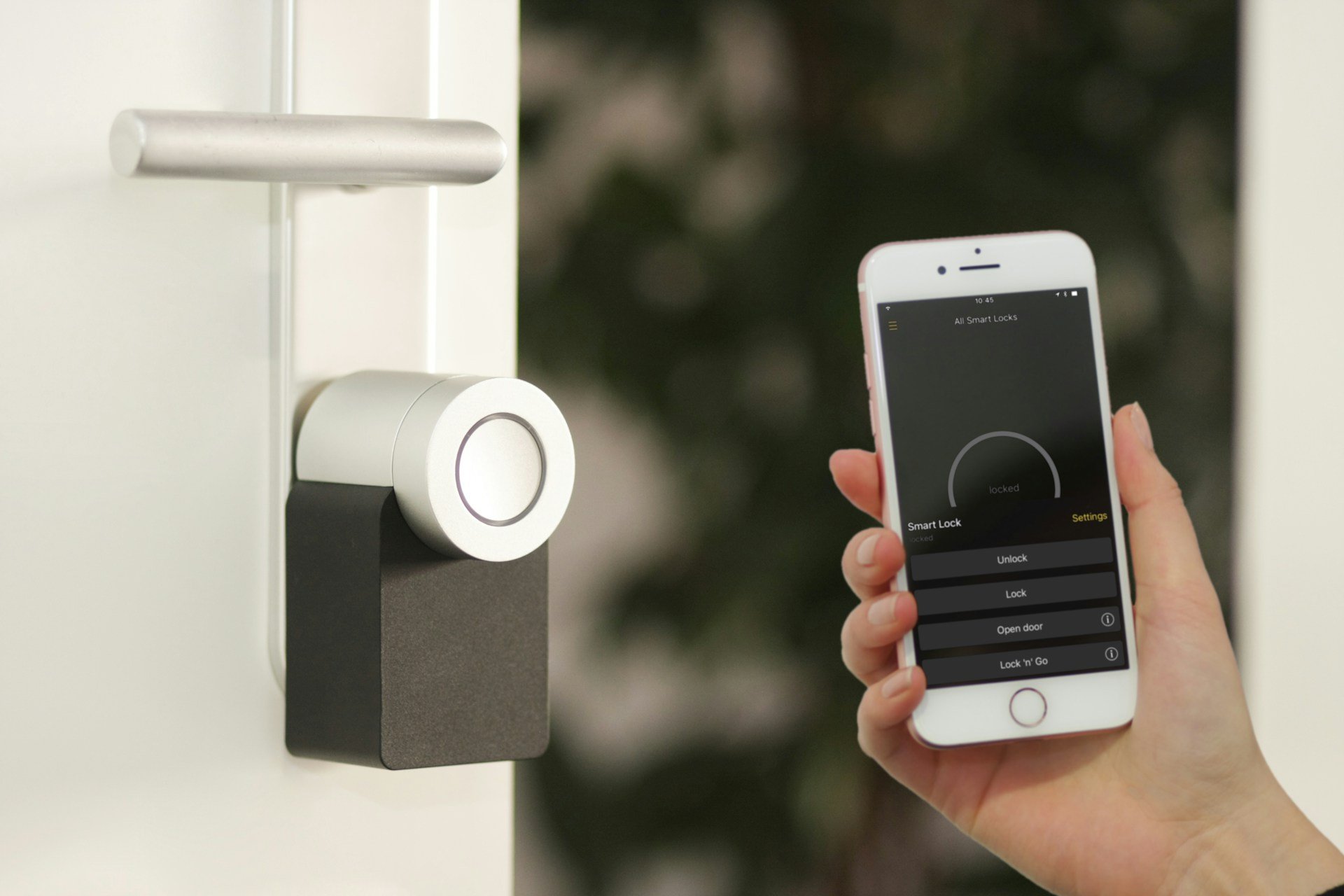
Smart locks are not just a convenience upgrade. They solve real operational and security problems.
Enhanced Security and Theft Protection
Digital credentials reduce unauthorized access risks. Encryption and access logs provide stronger protection than traditional locks.
Digital Access and Control
Access permissions can be automated, time-based, and instantly revoked when needed.
Keyless Entry and Digital Keys
Tenants receive access via mobile apps or SMS. No physical handover required.
Real Time Monitoring and Access Logs
Every entry is tracked, improving accountability and reducing disputes.
Remote Management Across Locations
Operators can manage multiple facilities without being on-site.
Reduced Operational Overhead
No more:
- Cutting locks
- Replacing keys
- Handling lockouts
Types of Self Storage Smart Locks
Bluetooth Locks
Bluetooth locks are best for smaller facilities. Simple and cost-effective but require proximity.
Wi Fi Connected Locks
Enable real-time remote access but depend on stable internet.
RFID and Keycard Systems
Reliable and familiar, but still rely on physical credentials.
App Based Keyless Systems
Offer the best tenant experience with fully digital access.
Integrated Access Control Systems
Ideal for larger operations managing units, gates, and facilities from one platform.
How Smart Lock Systems Integrate With Facility Security
Smart locks become significantly more powerful when integrated with facility management software.
This unlocks:
Automated Access Assignment
Tenants receive access instantly after booking.
Centralized Control
Manage all access points from one dashboard.
Real Time Tracking
Monitor activity across all units and facilities.
Automated Notifications
Send access instructions via email or SMS automatically.
Manual Override
Instantly grant or revoke access when needed. This is where platforms like Sharefox stand out, combining smart lock integration with self storage automation tools to create a fully self-service facility.
Key Features to Look for in Self Storage Smart Locks
Security and Encryption
Protect against unauthorized access.
Offline Access Capability
Ensure functionality during connectivity issues.
Battery Life and Reliability
Look for long-life or battery-free options.
Weather Resistance
Essential for outdoor units and harsh climates.
Mobile App Experience
Must be intuitive for both staff and tenants.
Software Integration
Locks should work seamlessly with your management system.
Top Smart Lock Providers for Self Storage
Enterprise and Global Providers
- ASSA ABLOY
- dormakaba
- Salto Systems
- Paxton
Smart Lock Specialists
- Danalock
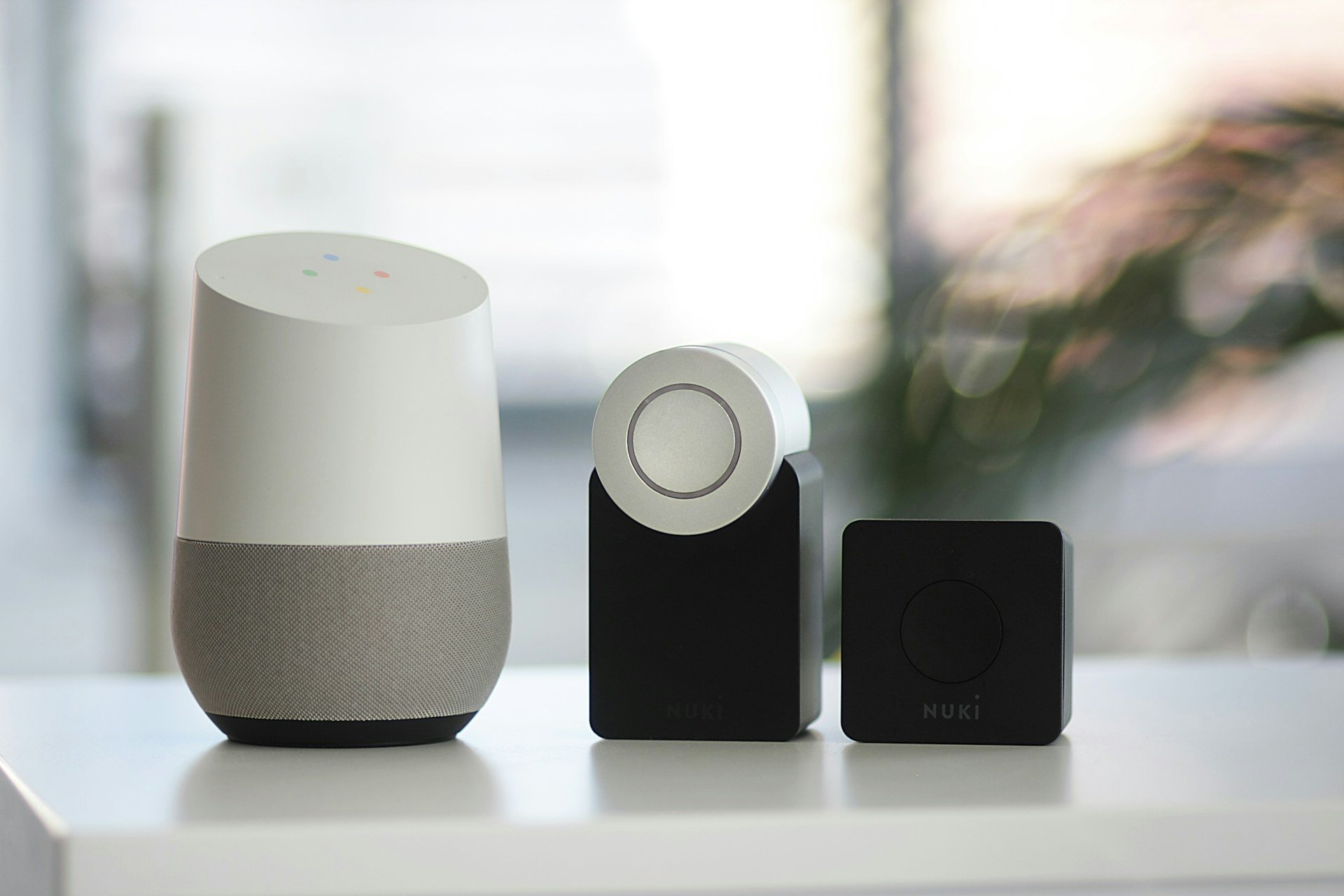
- Nuki
- Nimly
Advanced and Innovative Solutions
- iLOQ
- EVVA
- igloohome
Mobile and Integration Platforms
- Lockifi
- RCO Security
Common Misconceptions About Smart Locks
“Smart Locks Are Less Secure”
Modern encryption often makes them more secure than traditional locks.
“They Fail Without Internet”
Most systems include offline functionality.
“They Are Too Expensive”
They reduce long-term costs through automation and efficiency.
Best Practices for Implementing Smart Locks at Your Facility
Successful implementation starts with assessing your facility’s security needs. This includes understanding entry points, unit layouts, and tenant behavior.
Choosing Link opens in a new tabcompatible electronic locks ensures seamless integration with existing self-storage access control systems. Planning for integration avoids disruptions during installation. Staff training and tenant education help users adopt the new system confidently.
Ongoing monitoring and maintenance ensure locks remain reliable and secure over time, preserving trust and operational efficiency.
Choosing the Right Smart Lock System for Your Needs
The best system depends on:
- Facility size
- Number of units
- Automation level
- Growth plans
Small facilities may only need app-based locks. Larger operations benefit from fully integrated systems.

 All in one platform