 Skip to main content


If you run — or are about to launch — a self-service rental business, the lock on your door (or storage unit, locker, trailer hitch, or gear cabinet) is one of the few pieces of hardware that will make or break the guest experience. Get it right and check-in feels instant. Get it wrong and you’re fielding 11 p.m. support calls about a code that “just won’t work.”
The decision usually comes down to two competing technologies: Bluetooth smart locks and Wi-Fi smart locks. Both keep a physical key out of the equation. Both plug into a self-service rental workflow. But they solve the access problem in genuinely different ways, and that difference has real operational consequences — for battery budgets, for how you handle a guest locked out at 2 a.m., and for how much remote control you actually have over your fleet of locks.
This guide breaks down how each technology works, compares them head-to-head, and gives you a framework for choosing the right one — whether you’re outfitting a single unmanned pickup point or a network of locations.
The Short Answer
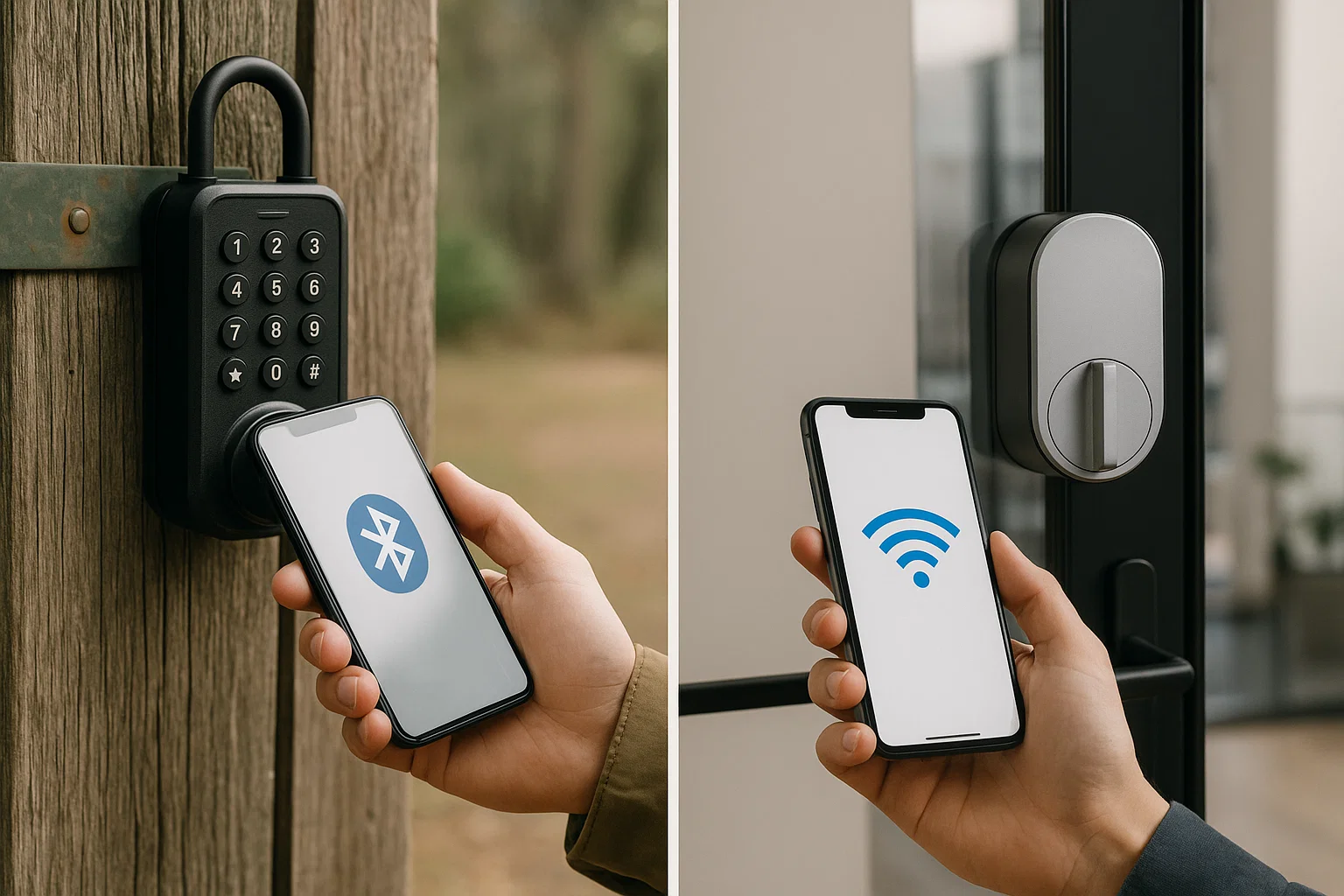
- Bluetooth locks are cheaper, sip battery for a long stretch between changes, and work even when the internet is down — but they only unlock within a short proximity range of a paired device, so you can’t unlock one remotely without adding a bridge.
- Wi-Fi locks connect to the internet directly, so you can unlock, re-code, and monitor them from anywhere — which matters a lot for multi-location or fully unattended rentals — but they draw more power and depend on a stable connection.
- Most growing self-service rental operators end up choosing Wi-Fi (or Bluetooth-plus-bridge) locks specifically because remote code management scales better than any Bluetooth-only setup.
What Is a Smart Lock, and Why It Matters for Rentals
A smart lock is an electromechanical lock that replaces (or supplements) a physical key with a wireless credential — a smartphone, keypad code, or key fob — verified through encryption before the bolt ever moves. For a traditional homeowner, that’s a convenience upgrade. For a rental business built around 24/7 self-service access, it’s the entire operating model: no staff member needs to be on-site to hand over a key, because the lock itself checks in the guest.
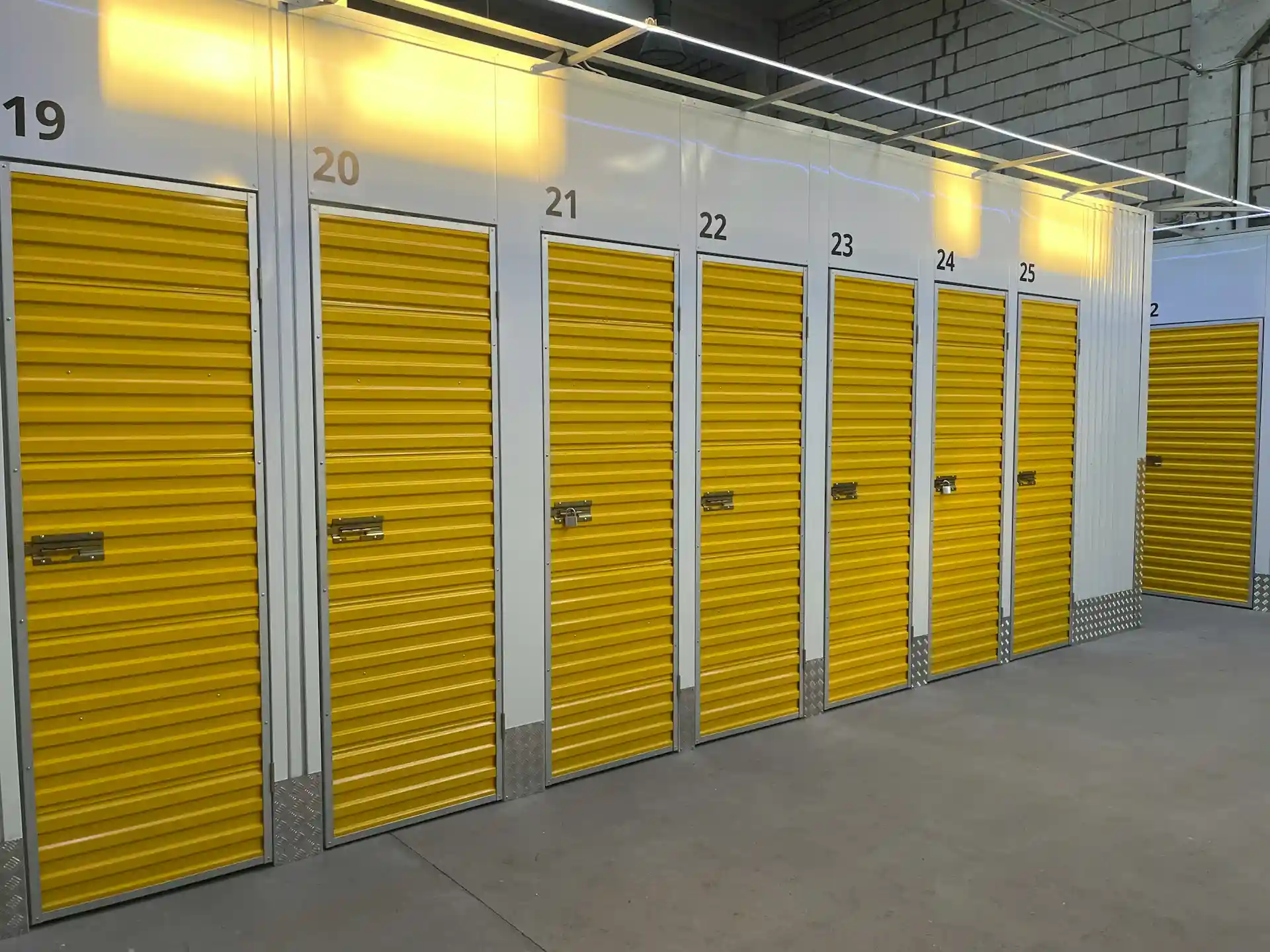
That’s why smart locks show up everywhere from vehicle rental fleets to self-storage facilities to trailer and equipment yards — anywhere a business wants to hand over access without handing over a person.
Core features that matter for a rental fleet
- Time-boxed access codes — a code that only works during the exact reservation window, then automatically expires
- Remote issuance — generating and sending a code the moment a booking is confirmed, without anyone visiting the unit
- Audit trail — a log of every unlock event, which matters for damage disputes and insurance claims
- Integration with booking software — so codes are created and revoked automatically as reservations start and end, rather than manually by staff
Bluetooth Smart Lock vs Wi-Fi Smart Lock: The Core Differences
Connectivity and range
A Bluetooth smart lock talks directly to a nearby device — typically within a short proximity range — using Bluetooth Low Energy (BLE). Because BLE is designed for minimal power draw, according to the Bluetooth SIG’s own technical overview, this is the main reason Bluetooth locks can run a long stretch on a set of batteries before needing a change.
A Wi-Fi smart lock connects straight to your internet router, so it can be reached from anywhere with a connection — no proximity requirement. That constant connection is what enables remote unlocking, live status checks, and instant code changes from an app, but it also means the lock’s radio is “listening” far more often, which shortens battery life.
Some Bluetooth locks close this gap with an add-on Wi-Fi bridge or hub, giving you Bluetooth’s battery efficiency most of the time with occasional remote access layered on top.
Security
Both technologies are a major step up from a physical key or padlock, and both rely on strong encryption to protect access codes in transit. The practical difference is what each one is exposed to:
- A Bluetooth lock only accepts commands from devices within range, which limits the attack surface to someone standing near the unit.
- A Wi-Fi lock is only as secure as the network it’s sitting on — a weak router password or an unpatched firmware update becomes the lock’s weak point too.
Neither is inherently “unsafe” for a rental business — both categories, when purchased from reputable manufacturers, meet or exceed the encryption baselines described in NIST’s guidance on securing IoT devices — but it’s worth asking any vendor exactly how they encrypt access codes and how firmware updates are pushed.
Usability for self-service rentals
This is usually where the decision actually gets made. If your business model depends on remote check-in across multiple locations — trailers scattered across a yard, storage units in different cities, or a fleet you don’t want to physically drive to every time a code needs resetting — Wi-Fi’s remote management wins outright. If you’re running a single, tightly-controlled site where guests are always within Bluetooth range of the unit when they arrive, Bluetooth (especially paired with a keypad for guests without the app) is a perfectly reliable, lower-maintenance option.
At a glance: Bluetooth vs Wi-Fi smart locks
| Feature | Bluetooth Smart Lock | Wi-Fi Smart Lock |
|---|---|---|
| Typical range | Short proximity range | Unlimited, via internet |
| Battery life | Long stretch between changes | Shorter, more frequent changes |
| Remote unlock / re-code | No (needs a bridge) | Yes, built in |
| Works during an internet outage | Yes | Only if cached locally |
| Real-time monitoring | Limited | Full |
| Setup complexity | Low | Moderate |
| Best fit | Single-site, staff-adjacent rentals | Multi-site or fully unattended rentals |
Battery life, visualized:
Battery Life: Bluetooth vs Wi-Fi
“The biggest mistake we see new rental operators make is choosing a lock based on price per unit alone. The real cost is how many hours your team spends manually re-coding locks — that’s the number that should drive a Bluetooth-versus-Wi-Fi decision.” — Mikael Torsen, Solutions Engineer at Sharefox
Choosing the Right Smart Lock for Your Business
Beyond the Bluetooth-vs-Wi-Fi question, a few factors should shape the final decision:
- How many locations do you manage? One site favors Bluetooth’s simplicity; multiple sites favor Wi-Fi’s central control.
- How often do reservations change hands? High-turnover rentals (hourly or daily) benefit from Wi-Fi’s instant re-coding; longer-term rentals (monthly storage, seasonal equipment) can run comfortably on Bluetooth.
- How reliable is power and internet at the site? A rural equipment yard with patchy connectivity may do better on Bluetooth with a keypad backup than on a Wi-Fi lock that needs a live signal to issue new codes.
- Does it integrate with your booking software? A lock is only as useful as its connection to your reservation system — codes should be created and revoked automatically as bookings start and end, not managed by hand. This is exactly the gap that rental booking software closes by syncing directly with the lock.
- Battery and maintenance overhead — every site visit to swap batteries is a cost; factor it into your total cost of ownership, not just the sticker price of the lock.
If you’re weighing this specifically for a lock on an individual door rather than a whole fleet, our guide on picking a bedroom door lock for rentals covers the household-scale version of this same decision. If you’re replacing physical keys entirely, see how operators typically make that switch in replacing old keys with a digital lock system, or go further into fully automated access control in revolutionizing access control with a digital padlock system.
Our Recommendation
For most growing self-service rental businesses, a Wi-Fi-enabled lock (or a Bluetooth lock upgraded with a Wi-Fi bridge) is the safer long-term bet. The ability to issue a code the moment a booking confirms, revoke it automatically when the rental ends, and check lock status from anywhere directly reduces support tickets and no-show disputes — and it’s the only setup that scales cleanly as you add locations. If you’re running a single, well-supervised site and want to keep hardware and maintenance costs to an absolute minimum, a Bluetooth lock with a keypad backup remains a solid, dependable choice.
Whichever direction you choose, run the numbers on what automated access actually saves in staff time with our ROI calculator, or book a demo to see how Sharefox’s booking software syncs codes to either lock type automatically.
Future Trends in Smart Lock Technology
Expect the Bluetooth-vs-Wi-Fi divide to blur further: hybrid locks that use BLE for day-to-day efficiency and Wi-Fi (or an emerging mesh protocol like Matter/Thread) for occasional remote commands are already becoming standard in mid-range hardware. Longer term, expect deeper integration between lock hardware and rental management platforms, so that a booking, a payment, and a door code are treated as a single automated event rather than three separate systems that have to be kept in sync manually.


 All in one platform


