 Skip to main content


Most articles about product bundling are written for e-commerce stores that sell a physical item once and ship it. Rental is a different case: every item in a bundle also has to be available on the same dates, insured, returned, and inspected before the next customer gets it. That single difference changes which bundling strategies actually survive contact with a real booking calendar. This guide covers what product bundles for rental businesses actually look like in practice, a worked pricing example, and the five ways bundling quietly loses rental operators money.
What is a product bundle in a rental business?
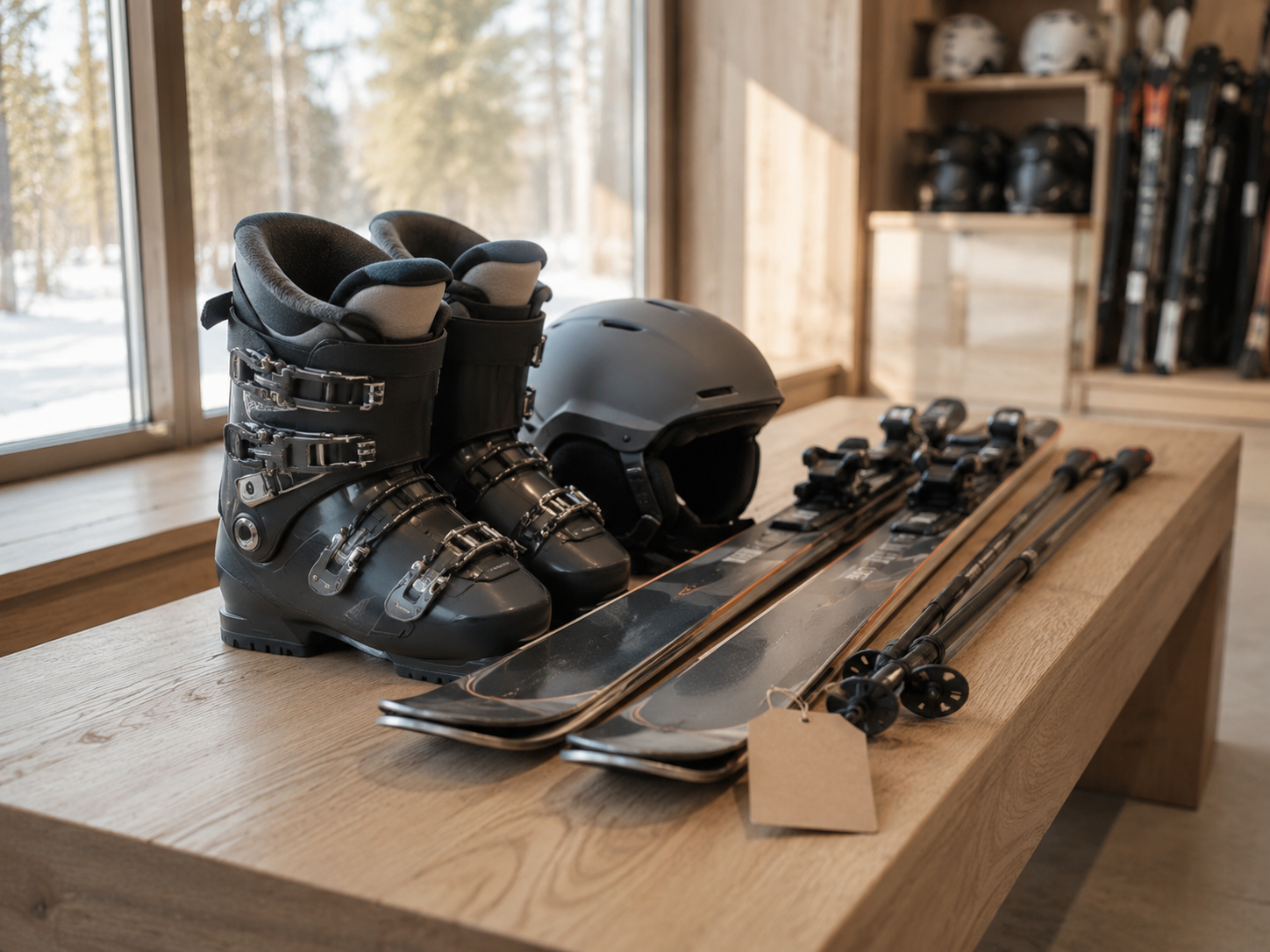
A product bundle in rental is a set of items — sometimes with a service attached — reserved and priced together as one bookable unit, usually at a discount versus renting each item separately. The camera body, two lenses, and a tripod that rent as one line item are a bundle. So is the “weekend ski package” that includes skis, boots, poles, and a helmet under a single price.
The mechanic matters more than the marketing label. In retail, bundling is mostly a merchandising and pricing decision. In rental, it’s also an availability decision — every component has to be free on the customer’s dates, or the bundle can’t be booked at all.
Why bundling in rental isn’t the same as bundling in retail
Rental bundling adds three constraints that a one-time retail sale never has to deal with: shared availability, per-item condition tracking, and time-bound deposits. A generic “how to bundle products” article written for an online shop won’t mention any of these, because none of them apply when the sale is final and the box ships once.
Availability is the constraint that breaks bundles first. If a bundle contains a tripod that’s already booked out for the weekend, the whole package is unbookable — even though the camera and lenses are free. Rental businesses that treat bundles as a static “kit” in their catalogue, rather than a live combination of individually tracked inventory, run into this within the first month. This is exactly the kind of conflict a proper rental booking software needs to check before confirming a bundle reservation, not after.
Condition and damage tracking don’t disappear just because items are bundled. Each component still needs its own inspection at return, its own damage-waiver terms, and its own place in your rental inventory management system — a bundle is a pricing and booking wrapper, not a reason to stop tracking items individually.
Deposits get harder to calculate, not easier. A bundle deposit should reflect the highest-risk item inside it (the camera body, not the lens cloth), and that number needs to be visible to the customer before checkout, not bundled invisibly into a single “package deposit” that nobody can explain if there’s a dispute later.
Five types of rental bundles — and which one fits your business
Not every bundle type suits every rental category. The table below maps the standard bundling models to how they actually show up in a rental catalogue.
| Bundle type | How it works | Rental example |
|---|---|---|
| Pure bundle | Items can only be booked together, never separately | A wedding “full setup” of tables, chairs, and linens sold only as one package |
| Mixed bundle | Customer can book the bundle or the individual items | Camera body + lens + tripod, each also rentable on its own |
| Subscription bundle | A recurring package of access or items over a period | A monthly car subscription that bundles the vehicle, insurance, and maintenance — see our car subscription business guide |
| Cross-sell bundle | A core item paired with a smaller complementary add-on | A bike rental paired with a helmet and lock at a lower combined rate |
| Seasonal/gift bundle | Time- or occasion-bound packages built around demand spikes | A “ski trip bundle” (skis, boots, poles, helmet) or an “event package” |
Pure bundles work best when the items genuinely have no standalone demand (nobody rents just the tablecloths). Mixed bundles protect revenue from customers who only need one piece. If your business already runs on recurring access rather than one-off bookings, a subscription bundle — the model covered in the rental software for subscription businesses page — is usually a better fit than a fixed package.
Pricing a bundle: a worked example
The discount has to come out of margin, not just off the sticker price, or the bundle can lose money the moment your lowest-margin item is included. Here’s a simplified, illustrative example — plug in your own numbers before using this logic on a real bundle.
Say a party rental company prices three items separately: tables at $40/day (60% margin), chairs at $15/day (65% margin), and linens at $20/day (35% margin, because linens have high laundering and replacement costs). Rented separately, a customer paying full price for one of each generates $75 in revenue.
If the bundle is priced at $60 (a 20% discount to look attractive), the blended margin isn’t 60% or 65% — it’s dragged down by the low-margin linens. Run the actual weighted margin before setting the discount, not after, or the “attractive” bundle price can sit below your true cost line without anyone noticing until a quarterly review.
This is also why effective pricing strategies for rental businesses treat bundle discounts as a distinct pricing decision, not a rounding exercise on top of individual rates. If you’re combining rental with any outright sales items in the same package (add-on accessories customers keep, for instance), the margin math changes again — see how to combine sales and rental to increase revenue for that specific case.

How to set up bundle pricing in your rental software
- List every item that will sit inside the bundle and confirm each one is tracked as its own SKU in your inventory system — bundling should never mean losing per-item visibility.
- Calculate the blended margin of the bundle at the proposed discount, using each item’s real cost and margin, not its list price.
- Set the bundle deposit to reflect the highest-value or highest-risk item inside the package, and display it separately from the rental price at checkout.
- Configure availability rules so the bundle can only be booked when every component is free on the requested dates — this is the step that most “just add a package price” workarounds skip.
- Decide whether to allow substitutions (e.g., a different lens size) if one component is unavailable, rather than blocking the whole bundle.
- Launch as a limited run first (one season, one location) before rolling the bundle out across your full catalogue, so you can see real booking data before committing shelf space and marketing budget.
Common pitfalls
- Discounting off list price instead of margin — Feels generous, but if the bundle includes a low-margin item, the “deal” can sit below cost. Calculate blended margin before setting the discount, every time you add or swap a component.
- No availability check across all bundle components — A bundle configured as a flat catalogue item, rather than a live combination of tracked inventory, will get booked and then can’t be fulfilled when one item turns out to be reserved elsewhere. Confirm your booking system checks every component before confirming the bundle.
- One out-of-stock item blocks the whole bundle — Rigid bundles with no substitution option lose the sale entirely over one missing accessory. Build in a substitution rule for lower-value components.
- Deposit calculated as a flat package fee — Customers dispute this at return time because it’s unclear which item the deposit was covering. Break the deposit down by item, even inside a single bundle price.
- No separate reporting on bundle performance — Without SKU-level and bundle-level reporting side by side, you can’t tell whether the bundle is generating incremental revenue or just cannibalising full-price single-item bookings you’d have gotten anyway.




 All in one platform


