 Skip to main content


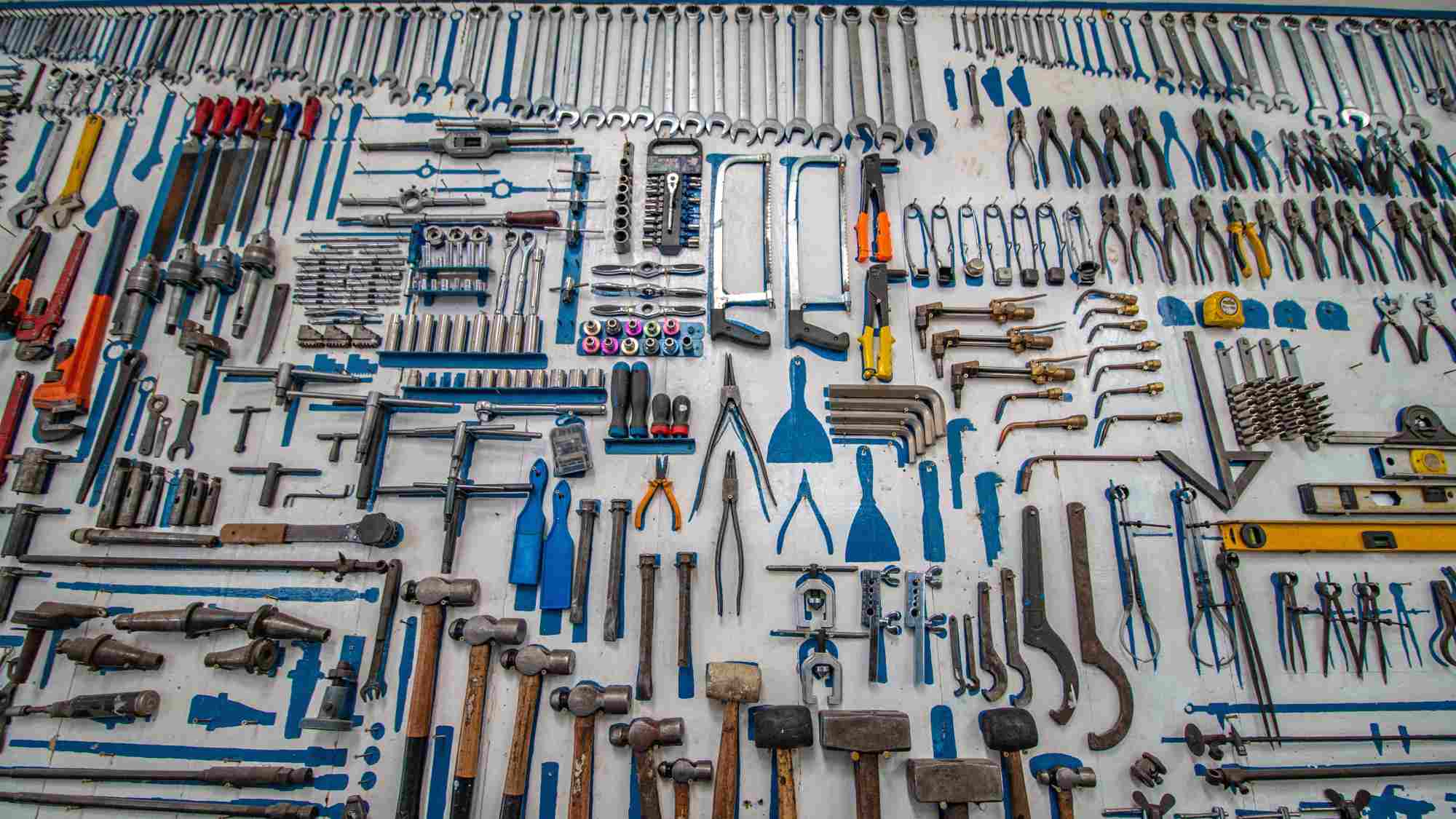
Every rental operator eventually asks the same question: “Where is that tool right now, and who has it?” If the honest answer involves a whiteboard, a shared spreadsheet, or a gut feeling, the business is leaking money. Missing tools, double-bookings, and unplanned maintenance are among the most common — and most preventable — causes of lost revenue in equipment and tool rental operations.
This guide breaks down what tool inventory software actually does, how the best platforms are built, and how to implement one without disrupting the way your team already works.
Understanding Tool Inventory
What Is Tool Inventory Software?
Tool inventory refers to the systematic accounting and organization of every tool and piece of equipment a business owns, rents out, or uses internally. Tool inventory software turns that accounting into a live, centralized system: every item — from a cordless drill to a compact excavator — has a record showing its location, condition, availability, and rental history.
Platforms such as Sharefox’s tool rental software combine this tracking with booking and payments, so operators manage the entire rental lifecycle — reservation, checkout, return, maintenance — from a single dashboard rather than stitching together spreadsheets, paper logs, and separate accounting tools.
Why Tool Tracking Matters
The rental industry has largely moved past spreadsheets, and for good reason. Manual tracking creates blind spots: operators lose visibility into which tools are booked, which are damaged, and which are sitting idle. According to McKinsey & Company’s research on asset-intensive industries, businesses that digitize asset tracking typically see measurable gains in utilization because real-time data replaces guesswork (see Sources below).
A dedicated rental inventory management system closes those blind spots. Instead of relying on memory or year-end audits, staff can see, in real time, which tools are out, which are due back, and which need servicing — directly reducing lost or “ghost” inventory.
Core Benefits of Inventory Management
Robust inventory management — supported by automation rather than manual entry — lets rental businesses scale without proportionally scaling admin headcount. The typical benefits reported by operators who move to a dedicated system include:
- Fewer double-bookings, because availability updates automatically across every sales channel
- Faster checkout and check-in, through barcode or QR scanning instead of handwritten logs
- Lower loss and shrinkage, since every item is tied to a customer record and return date
- Better maintenance scheduling, triggered by usage data rather than fixed calendar reminders
- Self-service booking, which frees staff from taking every reservation over the phone

Types of Tool Inventory Software
Overview of Tool Tracking Platforms
Not all “inventory software” is built the same way. Some tools are narrow asset-tagging apps; others, like Sharefox’s rental commerce platform, combine tool tracking with a full rental booking software layer — covering B2C and B2B bookings, self-service check-in/out, subscriptions, and sales in one system. That distinction matters when comparing options, because a standalone tracker still leaves you reconciling bookings and payments elsewhere.
Features That Define the Best Tool Inventory Apps
The strongest tool inventory apps share a common feature set:
- Real-time availability calendars tied to physical stock
- Barcode, QR, or RFID-based check-in/out
- Flexible pricing (daily, weekly, seasonal, subscription)
- Damage deposit and condition-report workflows
- Ecosystem integrations for accounting, payments, and ID verification
- Analytics on utilization, revenue per asset, and maintenance cost
Comparison of Tool Tracking Methods
Before choosing software, it helps to see how the main tracking approaches stack up against each other:
| Tracking Method | Real-Time Visibility | Setup Effort | Error Rate | Best Suited For |
|---|---|---|---|---|
| Spreadsheets / paper logs | None — manual updates only | Low | High (manual entry errors) | Very small, single-location operations |
| Barcode / QR scanning | High — updated at each scan | Moderate | Low | Small to mid-sized tool cribs and rental shops |
| RFID tagging | Very high — passive, continuous | Higher (tag + reader investment) | Very low | High-volume or high-value equipment fleets |
| Integrated rental software (e.g., Sharefox) | Real-time across bookings, inventory, and payments | Moderate (guided onboarding) | Low | Rental businesses that need tracking and booking/payments in one system |
Implementing a Tool Inventory System
Choosing the Right Tracking Software
Whether you run a family-owned tool hire shop or a regional equipment rental software operation, the priorities are usually the same: proven reliability, straightforward automation, and a platform that doesn’t require an IT team to maintain. Rental operators moving off spreadsheets should look for software that unifies booking, inventory, and invoicing rather than adding another disconnected tool to the stack.
Setting Up Your Tool Crib
A well-organized tool crib is the physical foundation that software builds on. Before digitizing, it’s worth standardizing how tools are stored, labeled, and grouped by category — this makes barcode rollout faster and audits more accurate. Businesses running larger fleets, including construction rental software users managing heavy machinery alongside hand tools, often start with a physical audit before migrating records into the new system.
Barcodes, RFID, and Asset Tags
Applying a unique barcode, QR code, or RFID tag to each item is the single biggest lever for accuracy. Our related guide on barcode tracking in rental management walks through the rollout process in more detail, but the core idea is simple: every scan at checkout and return updates the system automatically, removing the manual data entry that causes most inventory errors.
“The businesses that struggle most aren’t the ones with the most tools — they’re the ones with the least visibility into where those tools are. Once you can see your inventory in real time, everything else — pricing, maintenance, staffing — gets easier to plan.” — Operations Lead, mid-sized equipment rental company
Optimizing Your Tool Management Process
Streamlining Day-to-Day Operations
Once the system is live, the goal shifts to reducing manual admin further: automated return reminders, low-stock alerts, and pre-filled digital contracts all cut down the back-and-forth that used to happen over phone and email. For a deeper walkthrough of setting this up for a larger fleet, see our equipment rental inventory management guide.
Integrating With Existing Systems
Inventory software works best when it doesn’t sit in isolation. Look for integrations with accounting platforms, payment providers, and ID verification services — this is what allows a single booking to flow automatically into invoicing without staff re-entering data. Operators running a tool rental business alongside other equipment categories benefit especially from this, since it keeps reporting consistent across every product line.
Measuring the Return
Before committing, it’s worth putting numbers to the change. Reduced admin hours, fewer lost items, and higher utilization per asset all compound over a year. Many operators use a pricing comparison alongside a simple ROI estimate — hours saved on manual tracking multiplied by staff cost — to justify the switch internally before they book a demo of a platform.

 All in one platform


