 Skip to main content


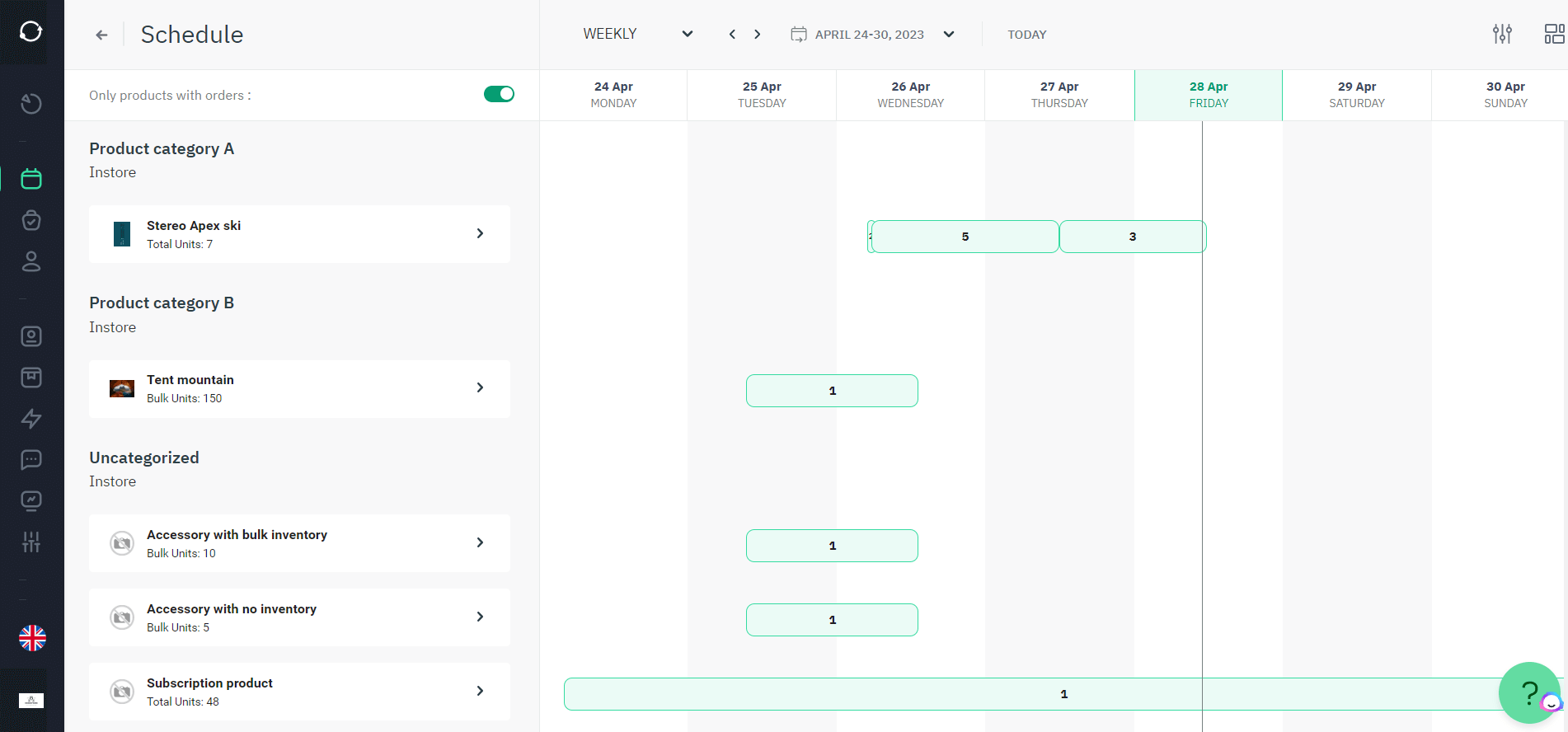
In the fast-paced world of rental businesses, efficient management is paramount. A live availability calendar isn’t just a convenience — it’s the operational backbone that decides whether a customer books in ten seconds or gives up and calls a competitor. Understanding what it does, and how to set one up properly, can transform the way you manage your fleet, your team’s time, and your client relationships.
Understanding the Availability Calendar
What Is an Availability Calendar?
An availability calendar is a digital schedule that shows, in real time, when a rental item — a car, an excavator, a kayak, a storage unit — is free or already booked. Instead of a spreadsheet someone updates twice a day, it acts as the single source of truth for your entire inventory’s schedule. It’s typically built into rental booking software rather than bolted on afterward, because the calendar needs to talk directly to your inventory, your pricing, and your payment system to stay accurate.
Some businesses start with a free calendar template or a basic scheduling app. That’s a reasonable first step for a handful of products, but it breaks down quickly once you’re juggling multiple locations, item variants, or overlapping reservations — which is why most growing rental operators eventually move to a dedicated inventory management system with a calendar built in.
Benefits of Using an Availability Calendar
The core benefit is simple: a real-time calendar lets customers see what’s actually free, right now, without emailing or calling to ask. That single change removes the biggest source of friction in online rentals. According to Baymard Institute’s checkout usability research, unclear or unverifiable availability information is one of the most common reasons shoppers abandon a booking flow before completing it — a pattern that applies just as much to rental reservations as to e-commerce checkouts (see Sources below).
Beyond conversion, an accurate calendar:
- Prevents double-bookings, which cost staff time and damage trust
- Cuts down back-and-forth emails and phone calls
- Frees your team to focus on growth instead of manual coordination
- Gives you a live view of utilization across your entire inventory
How Availability Affects Rental Businesses
When customers can see open dates instantly, they’re far more likely to complete a booking — removing a barrier is almost always more effective than adding a discount. This is why embedding a calendar directly on your website, rather than linking out to a separate booking tool, tends to perform better: it keeps the customer in one continuous flow from browsing to confirmed reservation.
“The businesses that struggle most with rentals aren’t the ones with the least inventory — they’re the ones where nobody, including the business owner, can say with certainty what’s actually available on a given Tuesday. A live calendar isn’t a nice-to-have feature; it’s the difference between running the business and the business running you.” — Asgeir Helland, Rental Technology Expert at Sharefox
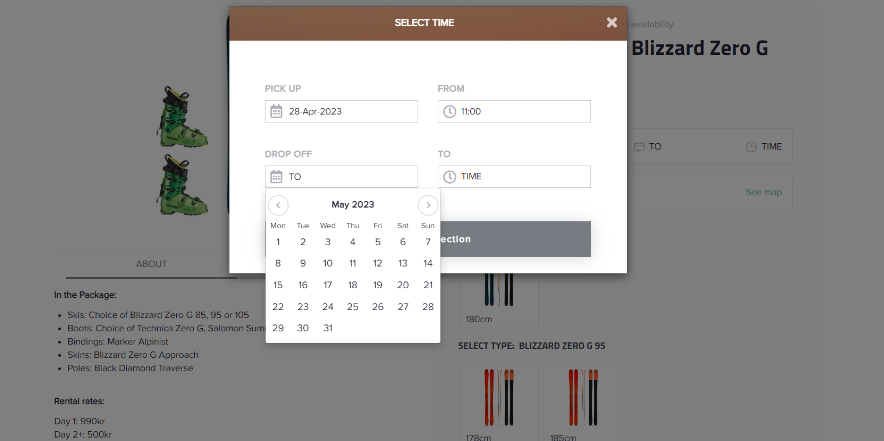
Creating and Updating Your Availability Calendar
Steps to Create Your Availability Calendar
- Choose a platform that fits your scale — a simple template for a handful of items, or dedicated software once you’re managing multiple products, locations, or item variants.
- Define your rental products and their booking parameters clearly: available dates, time slots, minimum rental length, and any blackout periods for maintenance.
Getting this setup right the first time means clients can book without back-and-forth, and your calendar reflects reality from day one.
How to Update Your Calendar Effectively
An availability calendar is only as useful as it is current. To keep it trustworthy:
- Update it the moment an item is booked, returned, or pulled for maintenance — ideally automatically rather than manually.
- Rely on real-time syncing rather than end-of-day batch updates, so the calendar never lags behind what’s actually happening on the ground.
Best Practices for Maintaining Accurate Availability
Set clear internal rules for who updates what, and when. Audit the calendar periodically to catch drift between what’s shown online and what’s physically in your yard or warehouse. If you operate across a self-service or unattended model, this becomes even more critical, since there’s no staff member to catch a discrepancy manually — see how self-service rental operators handle this at scale.
Integrating Google Calendar for Enhanced Scheduling
Syncing Your Availability with Google Calendar
Connecting your rental calendar to Google Calendar (or Outlook) means updates made in one place show up in the other automatically. Your team keeps working in a familiar tool while your booking system stays the single source of truth. Most rental platforms offer this through their integrations layer, which also typically connects to accounting, payments, and CRM tools.
Using Google Calendar to Manage Rental Schedules
Google Calendar’s native features — recurring blocks, shared calendars, multiple colour-coded views — are useful for blocking out maintenance windows, staff holidays, or internal-use periods without touching your customer-facing availability logic. This keeps your operational calendar and your public booking calendar in sync without manual duplication.
Benefits of Google Integration for Your Team
Centralizing scheduling this way cuts down the coordination overhead that eats into a rental team’s day. Salesforce’s State of the Connected Customer research consistently finds that customers now expect real-time, self-service access to scheduling information as a baseline, not a bonus (see Sources below) — and the same expectation extends to your internal team’s tools.
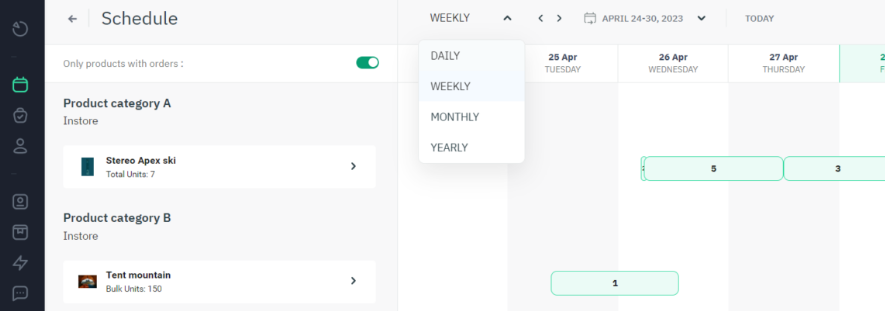
Use Cases for Live Availability Calendars
Real-World Examples of Calendar Use in Rentals
Equipment and tool rental operators typically struggle most with visibility — not knowing what’s booked, damaged, or available at a glance. A calendar embedded directly on their equipment rental software storefront removes that blind spot and speeds up turnaround on high-value assets.
Mobility and fleet managers running vehicle rental software use live calendars to automate check-in and check-out and let customers book independently, cutting the back-and-forth that slows down vehicle turnover.
Self-storage and property managers rely on self-storage software with an integrated calendar to offer online booking and payment for units, removing the need for manual site visits or phone inquiries before a tenant can commit.
Case Studies: Real Impact
Rental operators who move from manual scheduling to a live calendar consistently report the same pattern: fewer double-bookings, faster turnaround on high-demand items, and less time spent on manual coordination. Toolbox24 and The Tool Shed — both featured in Sharefox’s customer case studies — are examples of tool and equipment rental businesses that rebuilt their booking flow around a real-time calendar rather than manual spreadsheets.
Manual Scheduling vs. Live Availability Calendar
| Factor | Manual / Spreadsheet Scheduling | Live Availability Calendar |
|---|---|---|
| Booking confirmation speed | Hours to days (email/phone back-and-forth) | Instant, self-service |
| Double-booking risk | High — depends on manual updates | Low — updates sync in real time |
| Staff time per booking | 10–20 minutes of coordination | Near-zero after setup |
| Visibility across locations | Fragmented, often per-location files | Centralized, single source of truth |
| Customer experience | Requires waiting for a reply | Book and pay in one session |
| Best suited for | A handful of items, very low booking volume | Growing inventory, multiple locations, self-service operators |
Choosing the Right Template for Your Business
Types of Availability Calendar Templates
Free templates work for a small, simple inventory. As soon as you need multi-item bookings, group availability, payment processing, or maintenance blackout windows, a purpose-built rental calendar — like the one built into rental booking software — becomes the more sustainable choice.
Tips for Selecting the Best Template for Your Needs
Start by listing what you actually need: real-time updates, payment integration, group availability, or multi-location support. Check the pricing page of any tool you’re evaluating against your expected booking volume, not just today’s inventory size — this matters more than it seems once you scale.
Customizing Your Template for Optimal Use
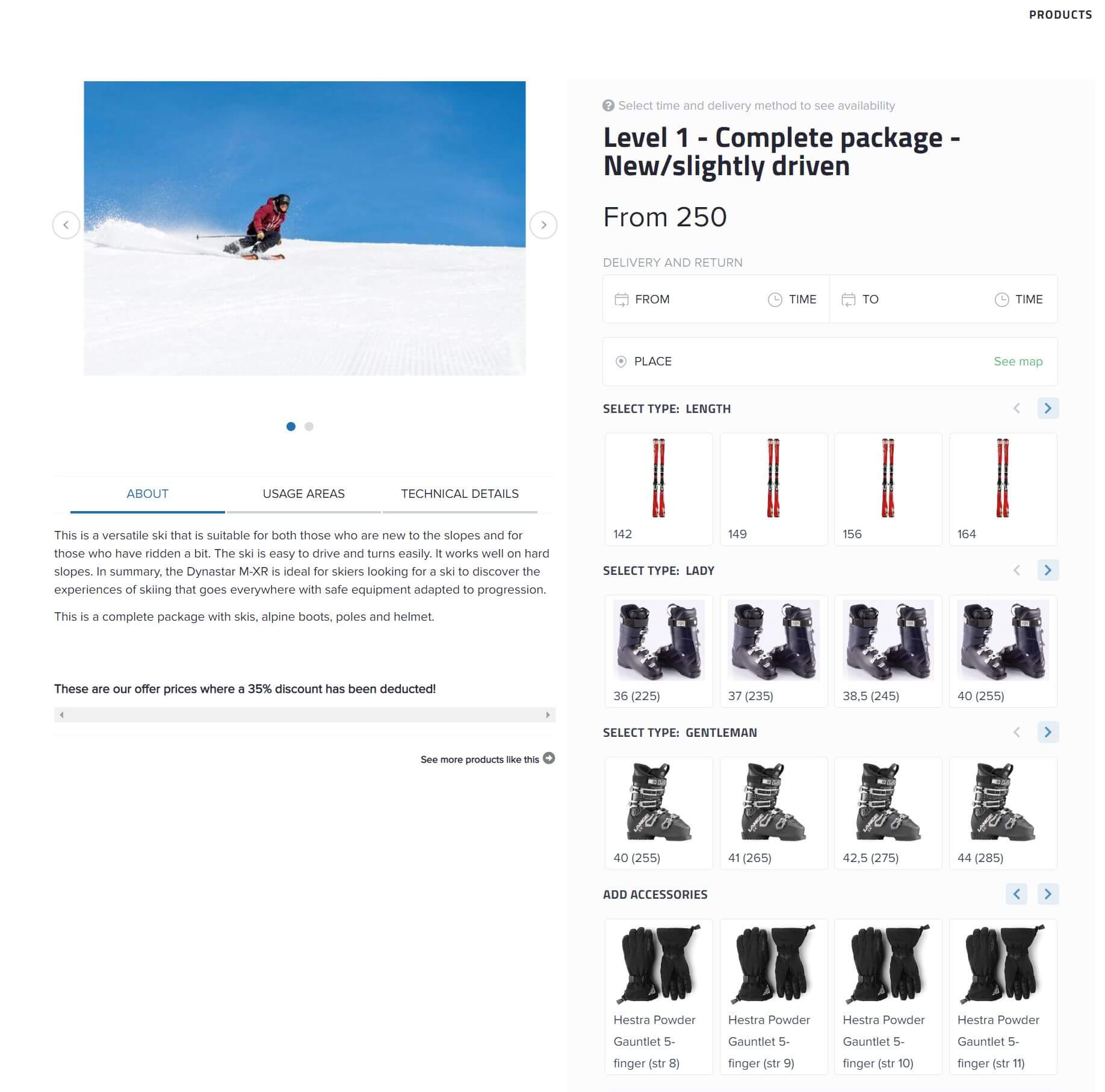
Match the calendar’s look to your brand so it feels like a natural extension of your site rather than a bolted-on widget. Functionally, tailor booking parameters — rental durations, blackout dates, group rules — to how your specific products actually get rented. If you want to see this in action before committing, most providers offer a live demo so you can test the booking flow from a customer’s perspective.

 All in one platform


