 Skip to main content


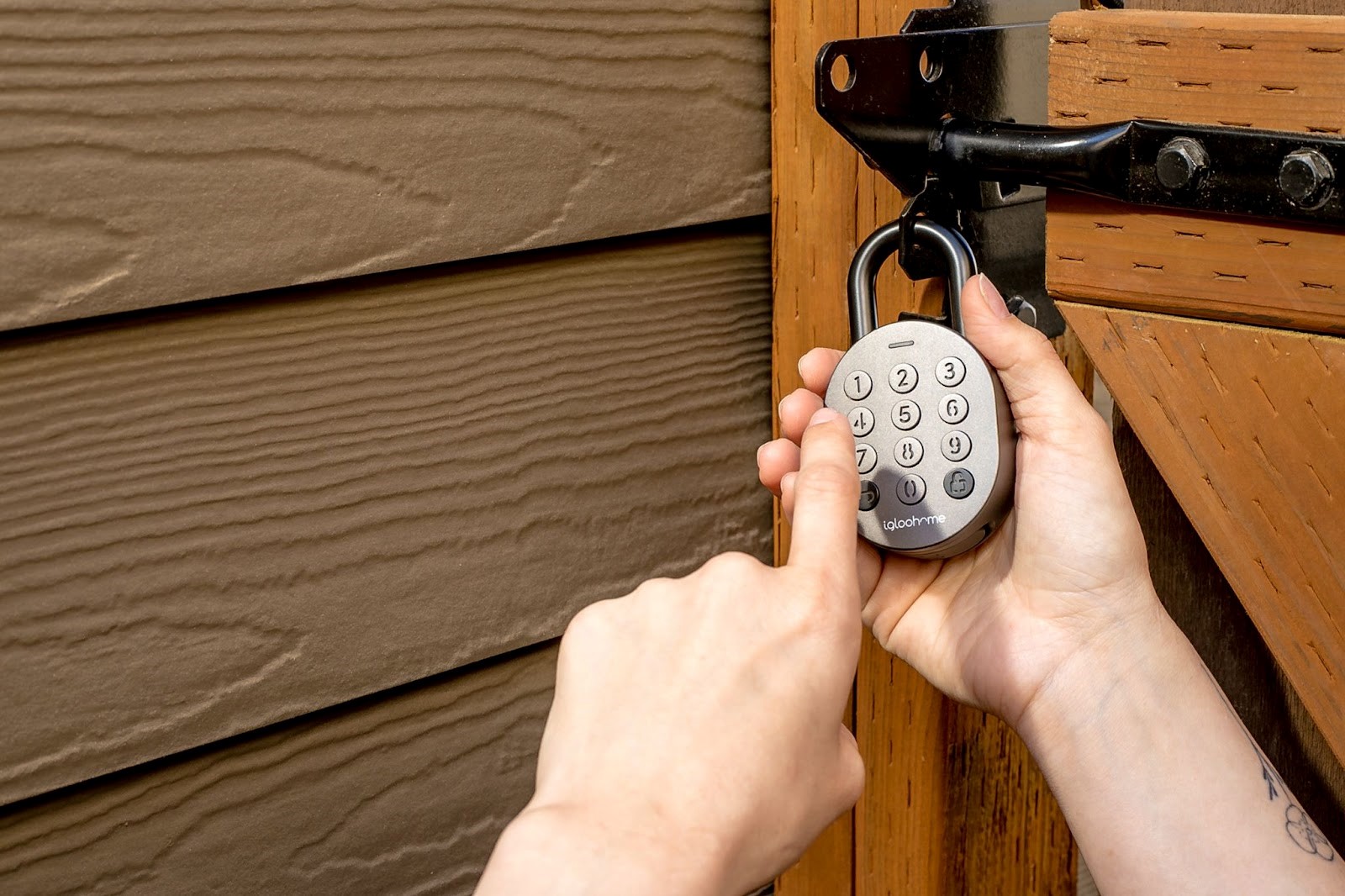
If your rental or self-storage business still hands out physical keys or relies on a padlock and a shared code, you already know the pain points: lost keys, forgotten codes, late-night lockout calls, and zero visibility into who actually opened a unit or a piece of equipment. A digital padlock system solves all four problems at once — and it’s quickly becoming the baseline expectation for renters, not a “nice to have.”
This guide breaks down what a digital padlock system actually is, how it compares to traditional locks, and how to fit one into a rental operation that’s already using self-service rental tools.
What Is a Digital Padlock System?
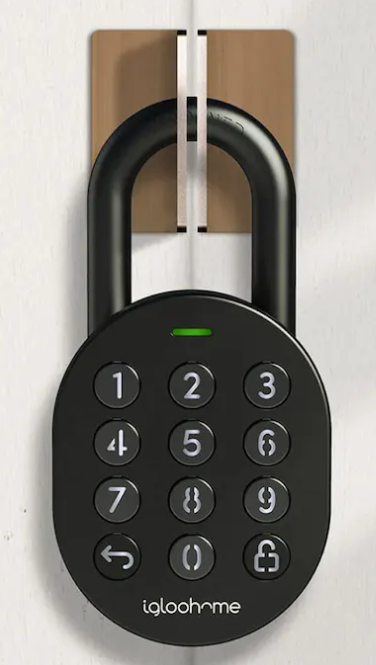
A digital padlock system replaces a traditional key-and-tumbler mechanism with an electronic one — usually opened via a one-time PIN code, a mobile app, a QR code, or Bluetooth/NFC from a smartphone. Instead of a physical key that can be copied or lost, access is granted (and revoked) remotely, tied to a specific booking window, and logged automatically.
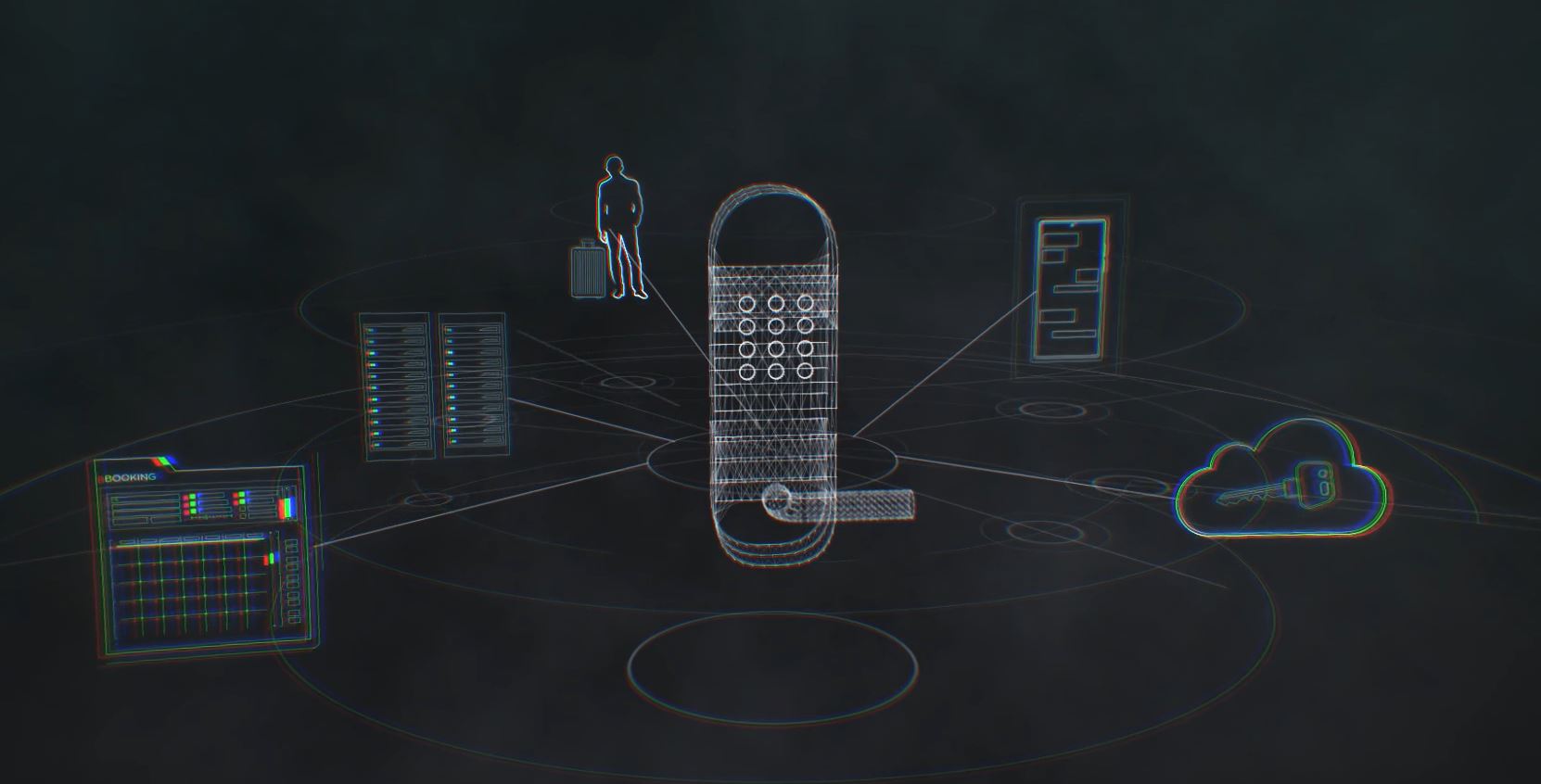
In a rental context, this typically connects to three things:
- The booking record — access is only granted for the exact rental period a customer paid for.
- The lock hardware — a Bluetooth- or Wi-Fi-connected padlock, gate lock, or unit lock.
- The rental software — which issues the access code the moment payment clears and revokes it the moment the rental ends.
That last piece is what turns a smart lock from a gadget into a genuine operations tool. If you’re weighing connection types for your fleet or facility, our breakdown of Bluetooth vs. Wi-Fi smart locks for rentals covers the trade-offs in range, battery life, and reliability.
Why Traditional Padlocks Are Holding Rental Businesses Back
Padlocks and shared codes were fine when rental businesses were small and local. They start to break down as soon as you have more than a handful of units, vehicles, or pieces of equipment in rotation:
- No audit trail. If a padlock goes missing or a code leaks, you have no record of who used it or when.
- Manual handoffs. Someone has to physically hand over or retrieve a key, which limits your rental hours to staffed hours.
- Shared-code risk. Once a code is shared between multiple renters over time, you lose the ability to tie access to a specific customer.
- Slow re-keying. Losing a master key can mean re-keying an entire facility.
Digital systems remove the physical bottleneck entirely, which is the same shift we’ve written about for tool rental businesses moving to a 24/7 self-service model and for self-storage operators automating their gates.
Traditional Padlock vs. Digital Padlock System
| Factor | Traditional Padlock | Digital Padlock System |
|---|---|---|
| Access method | Physical key or shared code | Unique PIN, app, or Bluetooth/NFC per booking |
| Audit trail | None | Timestamped log of every open/close event |
| Staff dependency | Often requires staff to hand over/collect keys | Fully self-service, 24/7 |
| Revoking access | Requires re-keying or changing the padlock | Instant, remote revocation |
| Lost-key risk | High — lost key may compromise the whole unit/site | None — no physical key to lose |
| Setup cost | Low upfront | Higher upfront, lower ongoing labor cost |
| Integration with booking software | Manual | Automatic (codes tied to reservation) |
The upfront cost is the main trade-off, and it’s usually recovered quickly through reduced staffing hours and fewer lockout-related support calls — a pattern we see consistently in self-storage automation projects.
“Customers can reserve and access their unit any time of day — we haven’t had a single lockout call since switching.” — Self-storage facility operator, on moving from padlocks to a digital access system
How Digital Padlocks Fit Into a Rental Operation
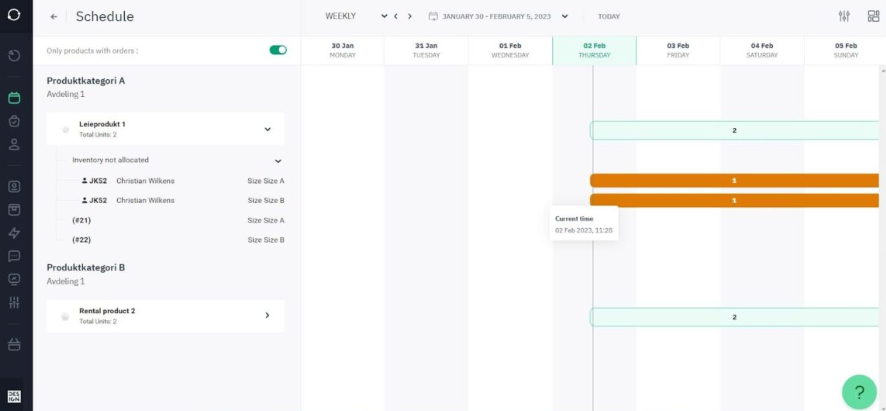
The lock itself is only half the story. The real value shows up when the lock talks to your booking system. A well-integrated setup looks like this:
- A customer books and pays online through your rental booking software.
- The system automatically generates a time-limited access code or app-based key tied to that specific reservation.
- The customer receives the code by SMS or email, or unlocks directly from a mobile app.
- Access automatically expires at the end of the booking — no manual step required.
- Every open/close event is logged for your records.
This is the same integration pattern used across self-service rental setups, including combined hardware-and-software approaches like Sharebox and Sharefox working together. If you’re replacing an aging lock fleet rather than starting from scratch, our guide to swapping old keys for a digital lock system walks through a phased rollout.
Choosing the Right Digital Padlock System
Not every digital lock is built for rental use. When evaluating options, look for:
- Offline fallback — the lock should still work during a Wi-Fi or connectivity outage (usually via Bluetooth or a local PIN pad).
- Battery life and low-battery alerts — you don’t want a dead lock stranding a customer.
- Weatherproofing — critical for outdoor storage units, trailers, or equipment yards.
- API or native integration with your existing rental or self-storage software, so codes are issued and revoked automatically.
- Audit logging that’s exportable, in case of a dispute over access times.
We cover facility-specific considerations in more depth in Choosing the Best Self-Storage Locks.
Getting Started
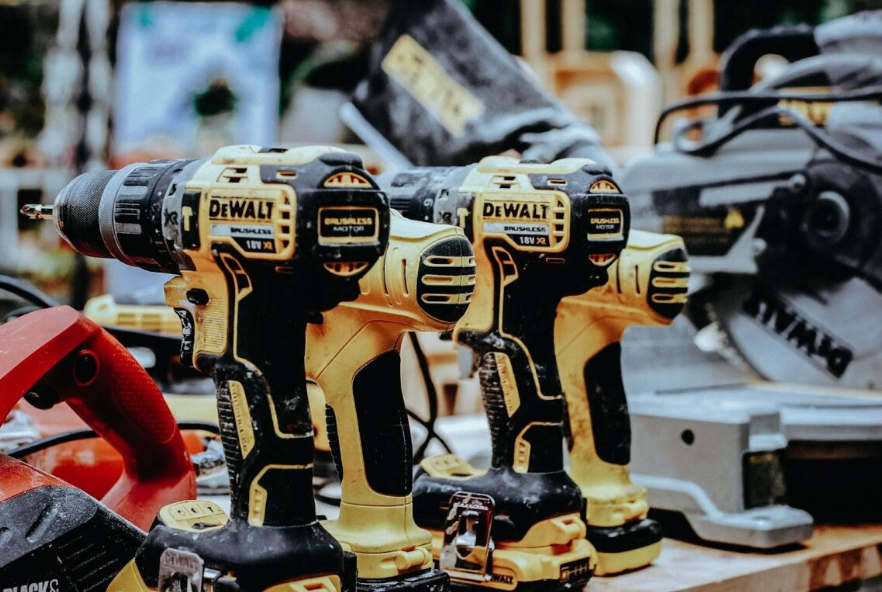
If you’re currently running on padlocks and paper logs, you don’t need to replace your whole operation overnight. Most rental and storage businesses start with their highest-traffic units or most frequently rented assets, prove out the workflow, then expand. If you want to see how access automation slots into a full booking-to-billing setup, you can book a demo and walk through it with your own inventory.
 All in one platform


