 Skip to main content



Tool and machinery rental has a scheduling problem: your busiest demand — evenings, weekends, the hour before a job starts on a Saturday — falls outside the hours your counter is staffed. Self-service tool rental solves that by letting customers book, pay for, and unlock equipment themselves, without anyone standing behind a desk. This isn’t a theoretical benefits list. It’s what The Tool Shed, a Norwegian tool rental business (Verktøyskuret), actually built using online booking software paired with igloohome smart padlocks and Inlet’s access-code delivery — and what changed, and what nearly went wrong, once they did.
Listen to the podcast: Self service rental solutions
What Self-Service Tool Rental Actually Means
Self-service tool rental is a model where the customer completes the entire transaction — browsing, booking, paying, ID verification, and equipment pickup — without a staff member physically present. The two pieces that make it possible are an online booking system with integrated payment, and a keyless access method (usually a smart padlock or lockbox) that releases only after the booking is confirmed.
It is not the same as simply “posting your inventory online.” A rental site that still requires a phone call or an in-person visit to actually get the tool is a booking tool, not a self-service one. The test is whether a customer can complete a rental at 11 p.m. on a Sunday with nobody from your business involved.
What’s needed to run it
- A way to prove the condition of the item at handover and return, since no staff member is there to witness it.
- An online rental catalog with real-time availability across every location.
- A payment flow that captures deposits and holds ID/payment verification before releasing access.
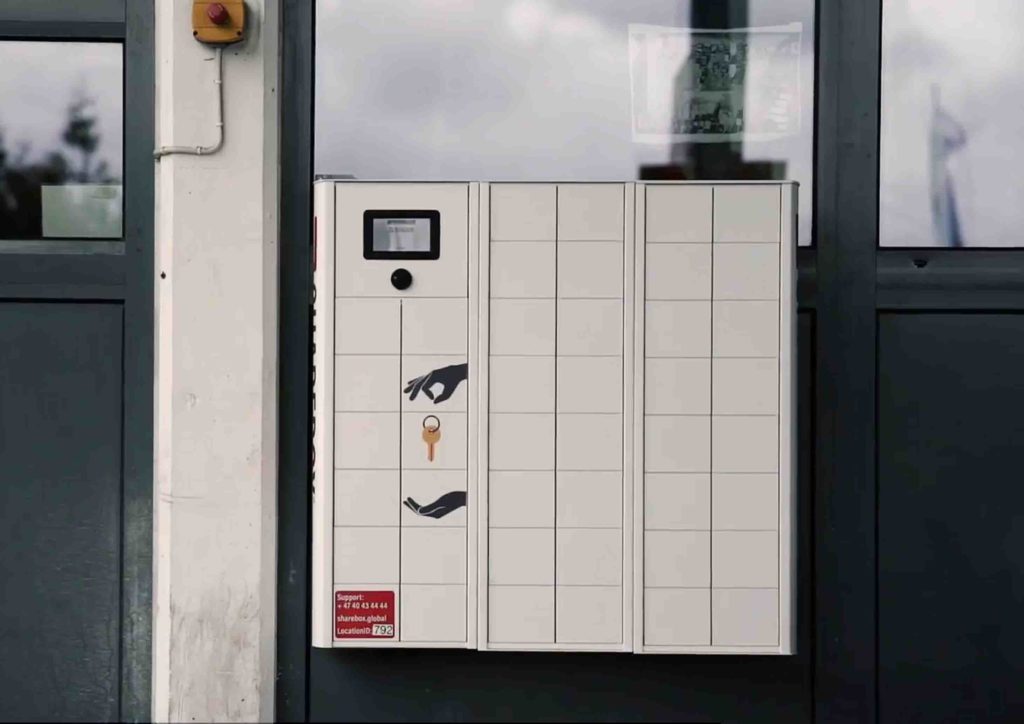
- A keyless lock (smart padlock, lockbox, or vehicle-integrated lock) that can be triggered remotely per booking.
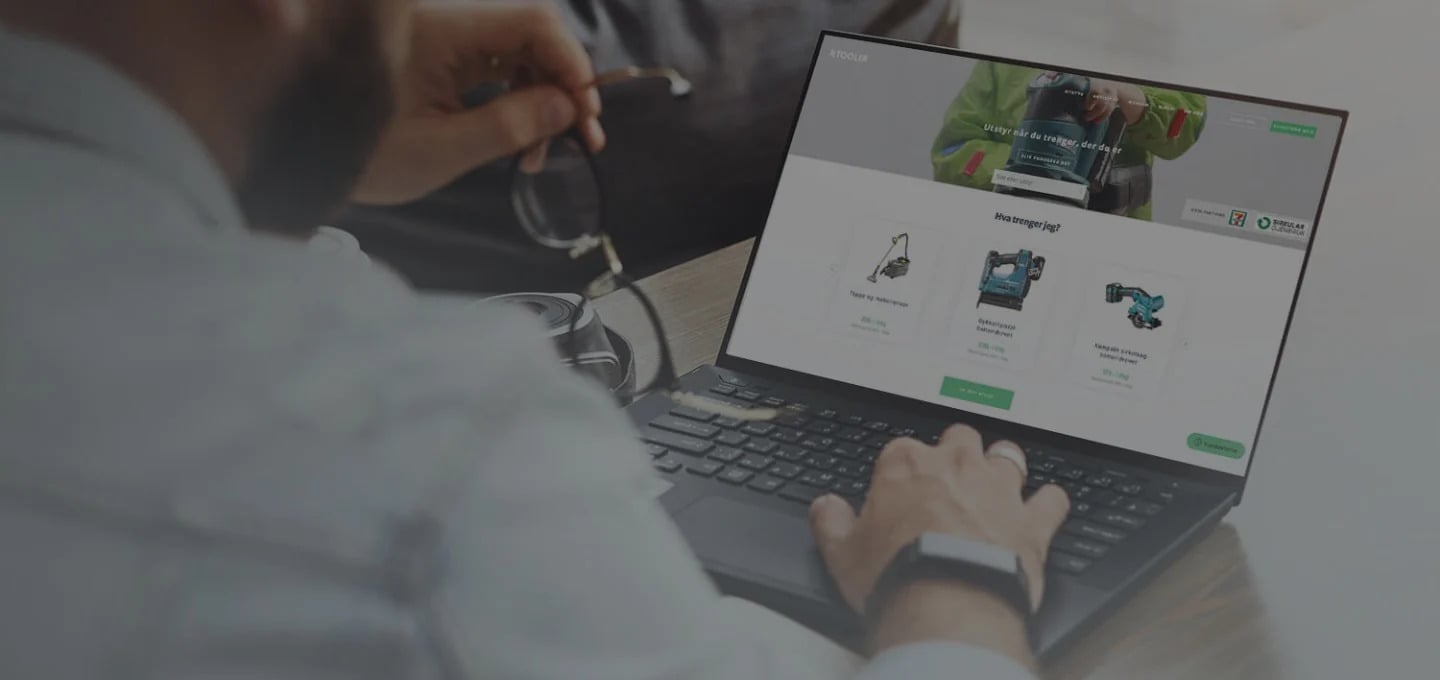
Why 24/7 Access Changes the Rental Equation
Extending access beyond business hours reaches customers your current schedule turns away. Contractors picking up a tool before a 7 a.m. job start, or a weekend DIYer who only has Sunday afternoon free, are customers a 9-to-5 counter simply cannot serve. Self-service doesn’t create new demand out of nothing, but it does capture demand that currently books with a competitor — or doesn’t book at all — because your hours don’t line up with theirs.
The other effect is operational, not just commercial. Removing the manual steps around handover — writing up a paper agreement, taking a deposit by hand, checking a physical key back in — cuts the per-booking admin time and the error rate that comes with rushed, end-of-day paperwork. The American Rental Association has tracked extended and after-hours access as a growing expectation across the broader equipment and tool rental industry, not a niche request from a handful of customers.
How Keyless Access Works: SMS Codes and Smart Padlocks
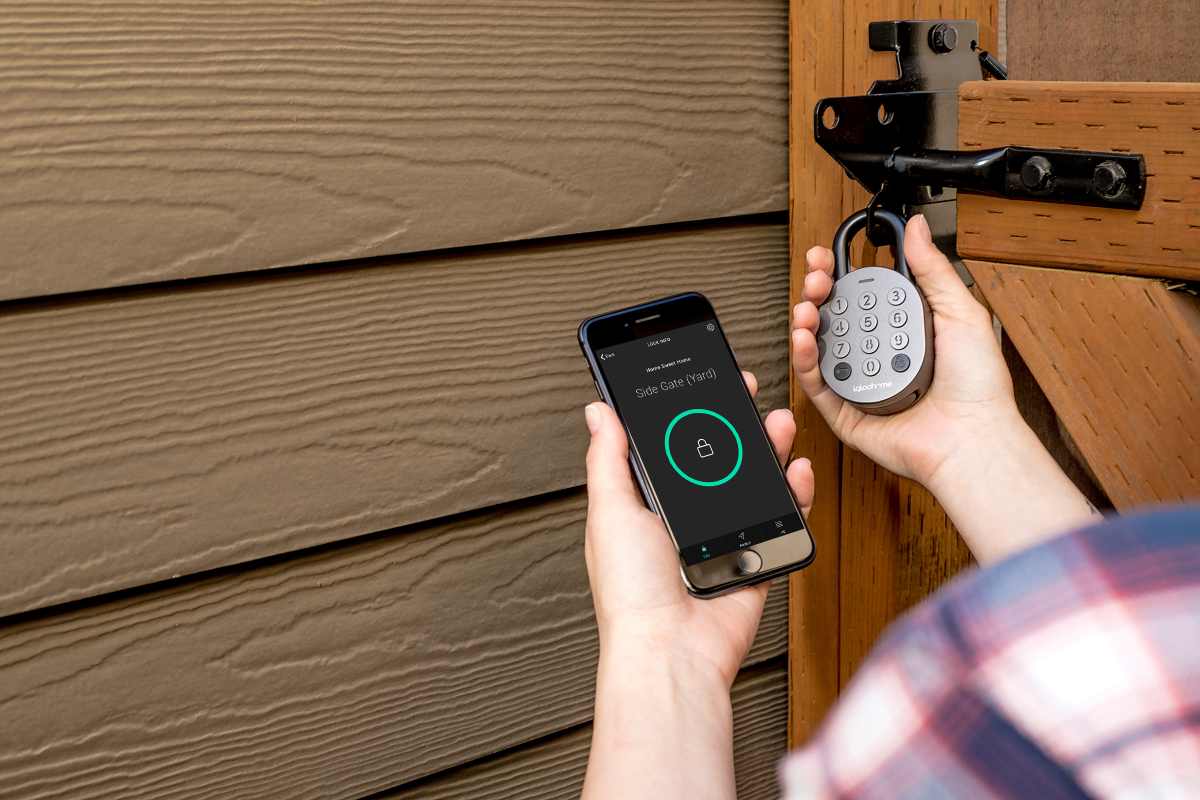
A booking triggers a one-time access code, not a physical key handover. In a typical self-service setup, the customer books and pays online, the system verifies ID and payment, and an access code is generated and sent by SMS for the exact rental window. The code unlocks a smart padlock (Sharefox’s own implementation pairs booking software with igloohome padlocks, with Inlet handling the code delivery) fitted to the storage unit, trailer, or equipment cabinet. When the rental ends, the code stops working automatically — there’s no key to collect or re-cut.
Before-and-after photo documentation matters more here than in a staffed rental, precisely because there’s no employee present to note existing scratches or confirm the tool came back in one piece. Automated photo capture at pickup and return gives both sides a timestamped record if a damage dispute comes up later.
Not every smart lock is a good fit for every equipment type — connectivity, battery life, and outdoor durability vary a lot between providers. If you’re choosing hardware, our comparison of Bluetooth vs. Wi-Fi smart locks for rental walks through the trade-offs for outdoor, unattended installations specifically.
From the Field: How The Tool Shed Built a 24/7 Rental Operation
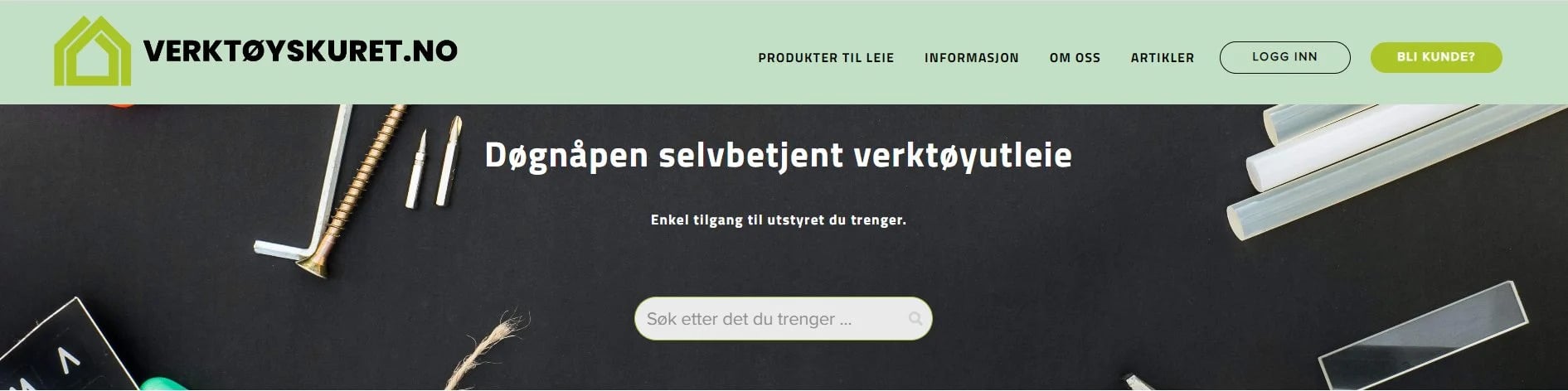
The Tool Shed (Verktøyskuret in Norwegian) started from a founder’s own frustration renting tools: specialty equipment was hard to book during high-demand periods, counter staff often lacked real product expertise, prices were steep, and limited opening hours made returns inconvenient. That list of complaints became the brief for the business itself.
When The Tool Shed came to Sharefox, the goal was an effortless, automated rental experience rather than a digitized version of the same staffed counter. The resulting setup combined three pieces:
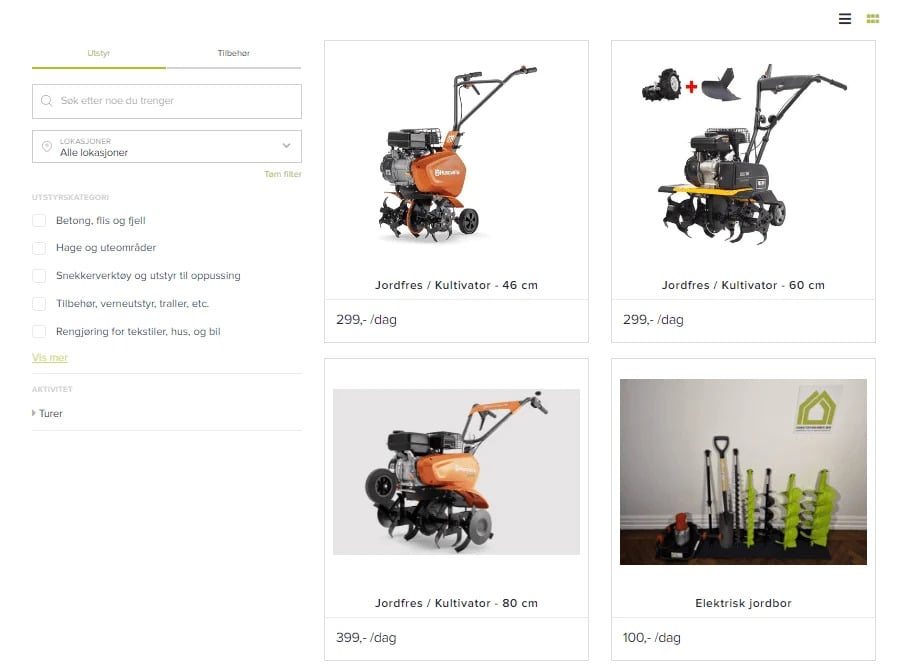
- Booking and payment — customers browse tools, check availability across multiple locations, and book online, with ID verification and payment built into checkout.
- Access — igloohome digital padlocks on the equipment, with Inlet delivering the SMS access code tied to each booking.
- Operations — automated confirmation and reminder emails reduced the manual back-and-forth per customer, and inventory and bookings are managed centrally across branches instead of per-location spreadsheets.
The result is a rental business that genuinely operates 24/7 across multiple locations, with access control handled entirely by software rather than a night-shift employee.
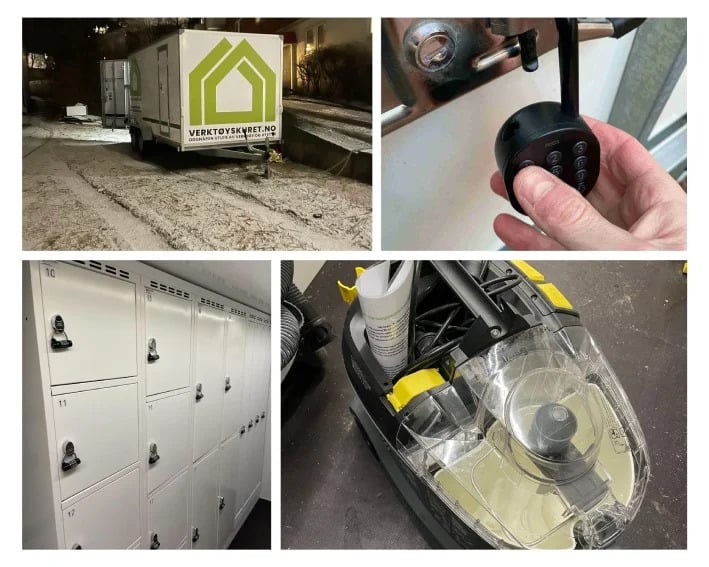
For the fuller account, including how the multi-location rollout was sequenced, see The Tool Shed’s full case study. If you’re earlier in the process — still deciding whether to open a tool rental business at all — our complete guide to starting a tool rental business is the better starting point.
How to Set Up Self-Service for Your Rental Business
- Audit your current booking and payment flow. Identify every step that currently requires a phone call, an email, or a person — those are the steps self-service has to replace.
- Choose a keyless access method that fits your equipment and location. Outdoor cabinets, trailers, and indoor lockers each favor different lock hardware; see the Bluetooth-vs-Wi-Fi comparison linked above before committing.
- Build in ID verification and payment authorization before code release, not after — this is what prevents the access code from going out to an unverified booking.
- Automate before/after documentation so condition disputes have a timestamped record instead of relying on memory.
- Set up automated customer communications — booking confirmation, access instructions, and return reminders — so admin time per booking drops instead of just shifting online.
- Pilot at one location before rolling out fleet-wide, the way The Tool Shed’s team was able to sequence access, booking, and inventory changes location by location.
Sharefox’s self-service rental software and tool rental software pages cover the specific feature set if you’re evaluating a platform for this.
Common Pitfalls When Switching to Self-Service
- No backup access channel. If the SMS code doesn’t arrive — dead phone battery, carrier delay, wrong number on file — the customer is locked out with nobody on-site to help. Build in a backup: code visible in the confirmation email, plus a staffed phone line during posted hours.
- Treating photo documentation as optional. Skipping before/after photos to save a step removes the one piece of evidence you’ll need the one time a damage dispute happens. Make it a mandatory step in the booking flow, not an afterthought.
- Releasing access before payment or ID is actually verified. Self-service without a hard verification gate in front of it is an invitation for fraud, not just a convenience feature. The code should only generate after both checks clear.
- Assuming “self-service” means “no support.” Customers still hit edge cases — a jammed padlock, a missing accessory. Going fully unstaffed for pickup doesn’t mean going unreachable; keep a support line staffed during your posted hours even if the counter itself isn’t.

 All in one platform


