 Skip to main content



If one item in your fleet sits idle two days out of seven, that’s not a scheduling quirk — it’s roughly 30% of its earning potential gone before the season even gets busy. Your rental utilization rate is the single number that tells you whether that’s happening across your whole inventory, and it’s the fastest lever most growing rental businesses have for increasing income without buying a single new item. This guide walks through how to read that number, how to close the gaps it reveals, and how real-time availability tracking turns “we think we’re busy” into “we know exactly where the idle hours are.”
What is rental utilization rate, and why does it decide your margin?
Utilization rate is the percentage of available time a rental item is actually booked, and it’s a better growth indicator than revenue alone because it tells you whether income is limited by demand or by how tightly you’re packing the bookings you already have.
The formula is simple:
Utilization rate = (Time booked ÷ Time available) × 100
If a kayak is available 7 days a week and rented for 5 of them, it’s running at roughly 71%. Run that calculation across every SKU and you get a map of where your fleet is earning and where it’s sitting in the warehouse.
This isn’t a niche metric — it’s the same logic used to price hotel rooms, hourly consultants, and manufacturing lines.
A quick example
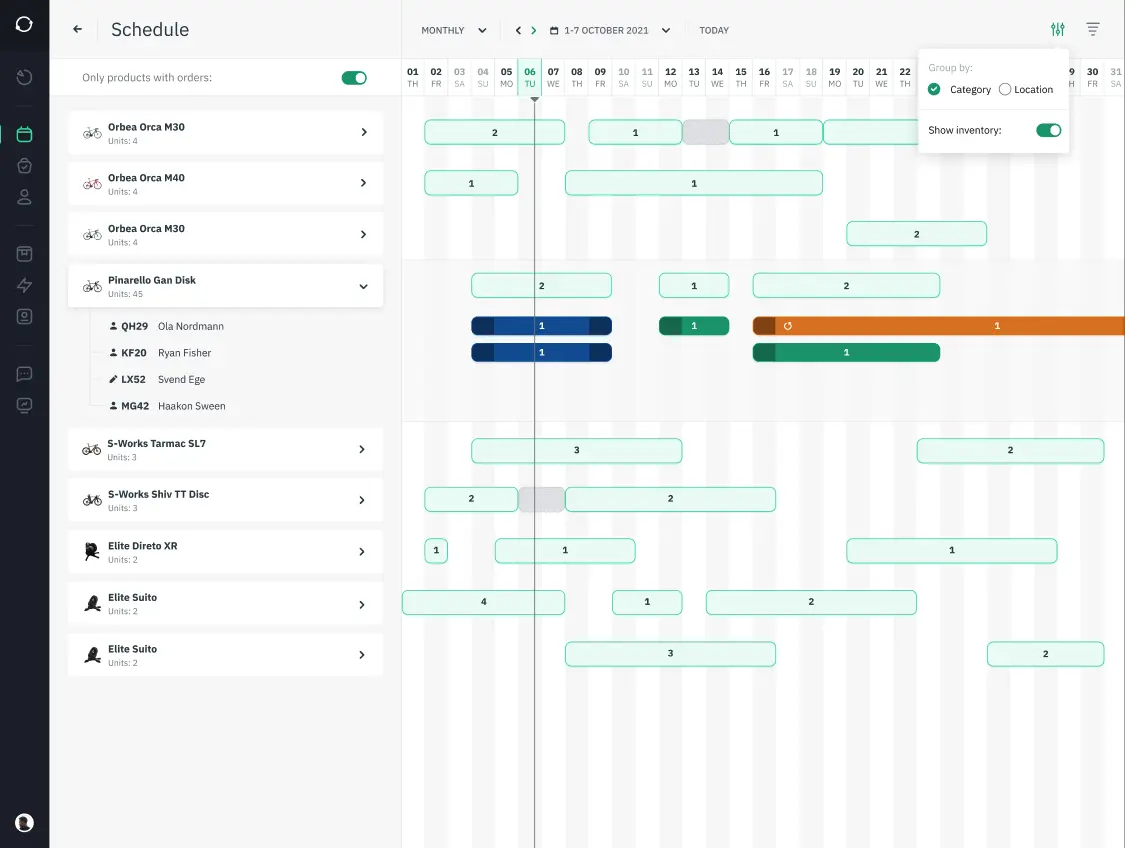
- Item A is booked Friday and Sunday, with Saturday empty. Utilization for the weekend: 67%.
- Item B is fully booked Friday through Sunday. Utilization: 100%.
- If Item A’s Saturday customer could instead be moved onto Item B’s open slot (assuming the items are interchangeable), Item A’s Saturday becomes available for a new booking — and both items are now earning at capacity instead of one being idle.
That’s the entire strategy in miniature: the income isn’t created out of nowhere, it’s recovered from gaps that were already there.
Turn utilization data into pricing and inventory decisions
A utilization report is a demand signal, and demand signals should drive two decisions: what to stock more of, and what to re-price or retire. Once you can see utilization per item rather than guessing from memory, the next steps become concrete instead of instinctive.
- Consistently high utilization (85%+) — this item is under-supplied relative to demand. Consider adding a second unit, or testing a higher rate for peak days, since you have room to raise price before demand drops off.
- Consistently low utilization (below 30–40%) — this item is tying up storage space and depreciating without earning. Consider a price cut to move it, a bundle offer, or phasing it out at end-of-life and reallocating that budget to higher-demand stock.
- Seasonal swings — an item that’s at 90% in July and 10% in January isn’t a bad investment, it’s a candidate for seasonal pricing or short-term cross-listing (rental, then resale, then rental again).
None of this works from a monthly spreadsheet snapshot, though — by the time you’ve exported and reviewed it, the week it describes is already over. That’s why utilization decisions need to sit on top of a live inventory management system rather than a static export: the moment a booking pattern shows up, you want to see it, not discover it a month later.
Close the gaps: the real-time availability strategy
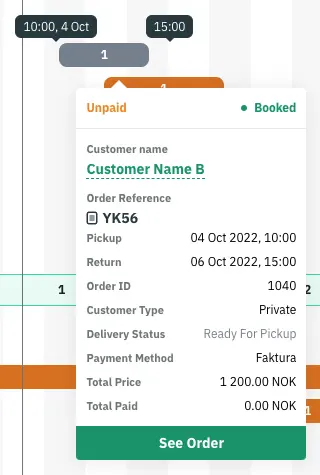
The fastest utilization gain most rental businesses can make costs nothing to implement: reallocating bookings to close single-day gaps between longer rentals. Go back to the Item A / Item B example — a Saturday gap on one item next to two fully-booked weekend items either side of it is one of the most common and most fixable patterns in rental scheduling.
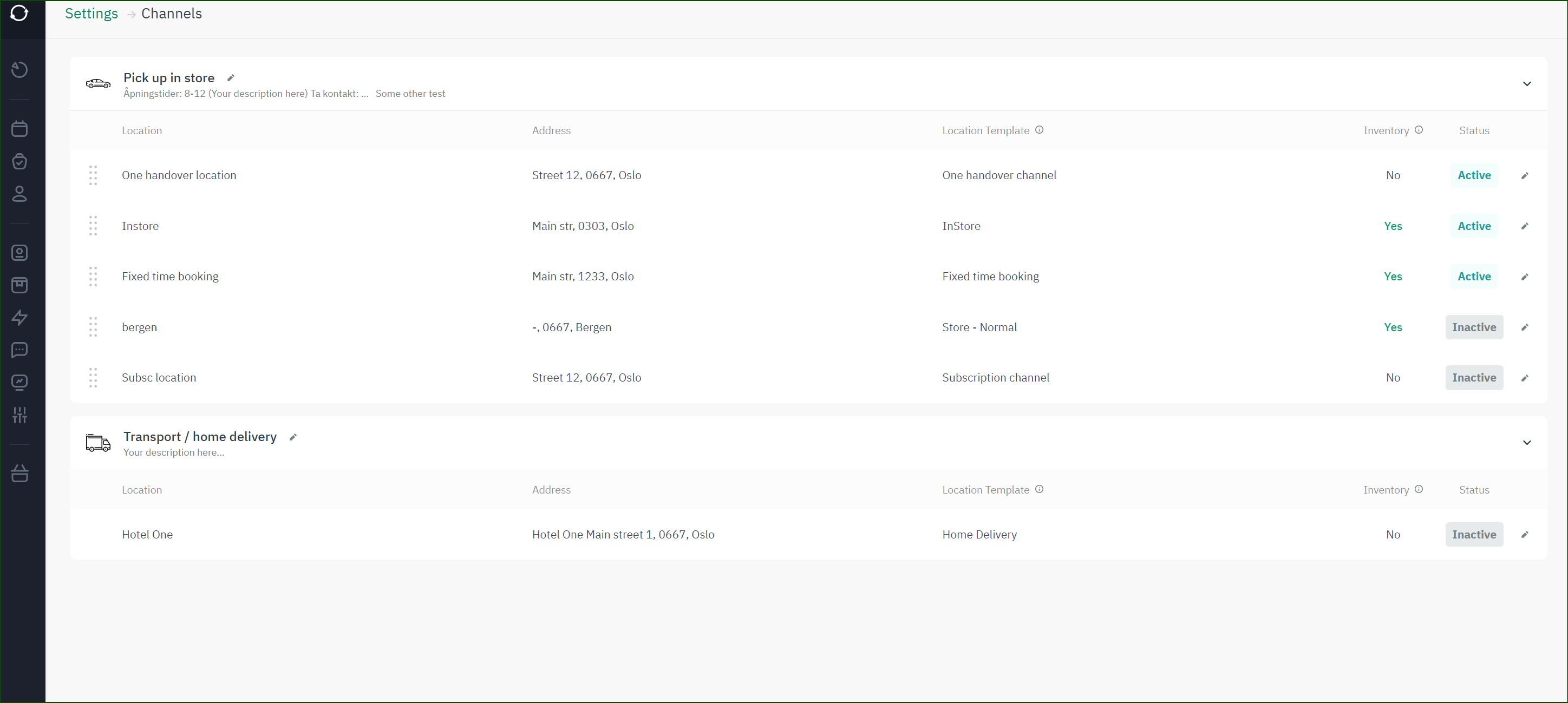
Doing this by eye across a handful of SKUs is manageable. Doing it across a full catalogue, with online and phone bookings both landing at once, isn’t — which is exactly the gap that live availability calendars are built to close. Once every booking, online or offline, hits the same real-time calendar, the system can surface interchangeable gaps automatically instead of relying on someone remembering that Item B has room.
The same live view also caps your exposure during peak weeks: because only genuinely available stock can be booked, you’re not carrying the extra buffer inventory many operators keep “just in case” of a double-booking — inventory that costs money to store and insure whether or not it ever rents.
Manual tracking vs. real-time availability software
A spreadsheet can track utilization after the fact; only a live system can prevent the overbooking and idle gaps before they happen. The difference shows up most clearly side by side:
| Approach | Overbooking risk | Online + offline sync | Time to spot a gap | Staff time per booking | Peak-season buffer stock |
|---|---|---|---|---|---|
| Manual tracking (spreadsheet / paper / phone log) | High — relies on someone checking before confirming | Rarely in sync; easy to double-count | Days to weeks (next manual review) | Higher — manual cross-checking | Higher, to absorb booking errors |
| Real-time availability software | Low — only genuinely free stock can be booked | Single live calendar for every channel | Immediate — visible on the schedule | Lower — system checks availability automatically | Lower, because errors are largely prevented |
Neither approach changes how much your customers want to rent — but one of them lets you capture more of that existing demand without adding stock.
How to start tracking rental inventory in real time
Moving from manual tracking to real-time availability is a software decision more than a process overhaul, and it’s usually a matter of weeks, not months, to get running.
- Audit your current booking channels. List every place a booking can currently land — website, phone, email, walk-in — and confirm none of them writes to a separate, unsynced record.
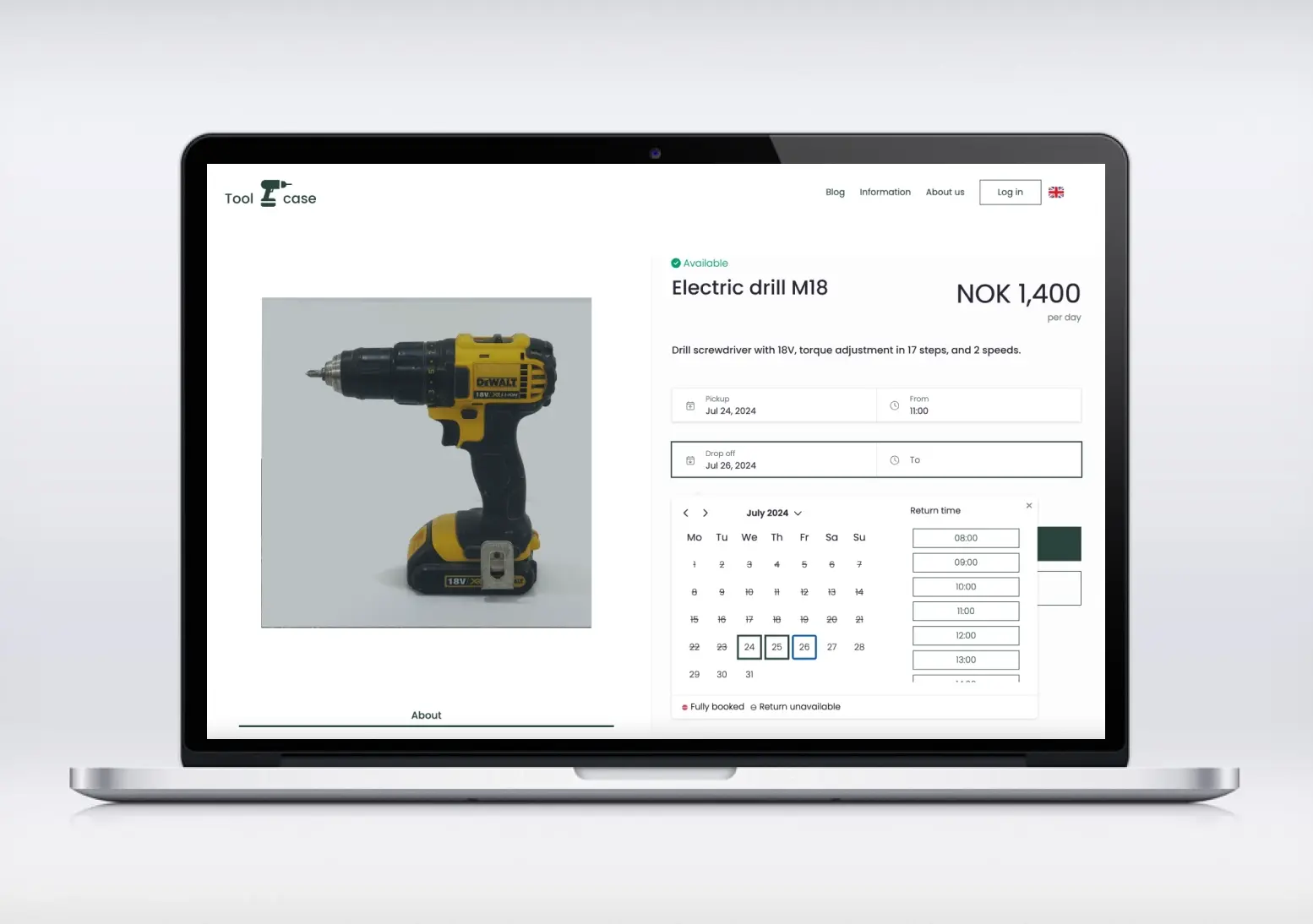
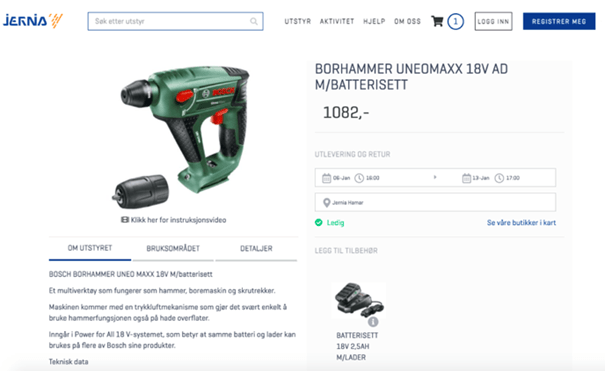
- Choose online booking software with a live availability calendar, not just an online storefront. The calendar, not the storefront, is what prevents overbooking.
- Migrate your catalogue with accurate available-time data (opening hours, maintenance blackout windows, seasonal availability) so utilization percentages are calculated against reality, not a default 24/7 assumption.
- Run both systems in parallel for one booking cycle before fully retiring the old spreadsheet, so staff can catch data-entry mistakes early.
- Review the utilization report monthly for the first quarter, then quarterly once patterns stabilize, and act on the high/low signals described earlier in this guide.
Common pitfalls when trying to raise your utilization rate
Most utilization projects stall not from lack of data, but from a handful of repeatable mistakes.
- Treating utilization rate as the only metric that matters — a 100%-utilized item rented at a loss is still a loss. Check utilization alongside margin per rental, not instead of it.
- Never reallocating bookings, only reporting on them — a monthly utilization report that nobody acts on is a vanity metric. Build the “can this gap be filled by moving a booking” check into weekly staff routine, not just the quarterly review.
- Letting phone or walk-in bookings bypass the live calendar — one unsynced channel is enough to reintroduce double-bookings, even with good software everywhere else.
- Reacting to demand data too slowly — a seasonal utilization dip identified in the March report is too late to adjust April pricing. Set a shorter review cycle during your peak build-up months.
- Cutting stock based on one slow week — a single low-utilization week can be noise (weather, holiday, one-off cancellation). Look at a rolling average before phasing an item out.

 All in one platform


