 Skip to main content


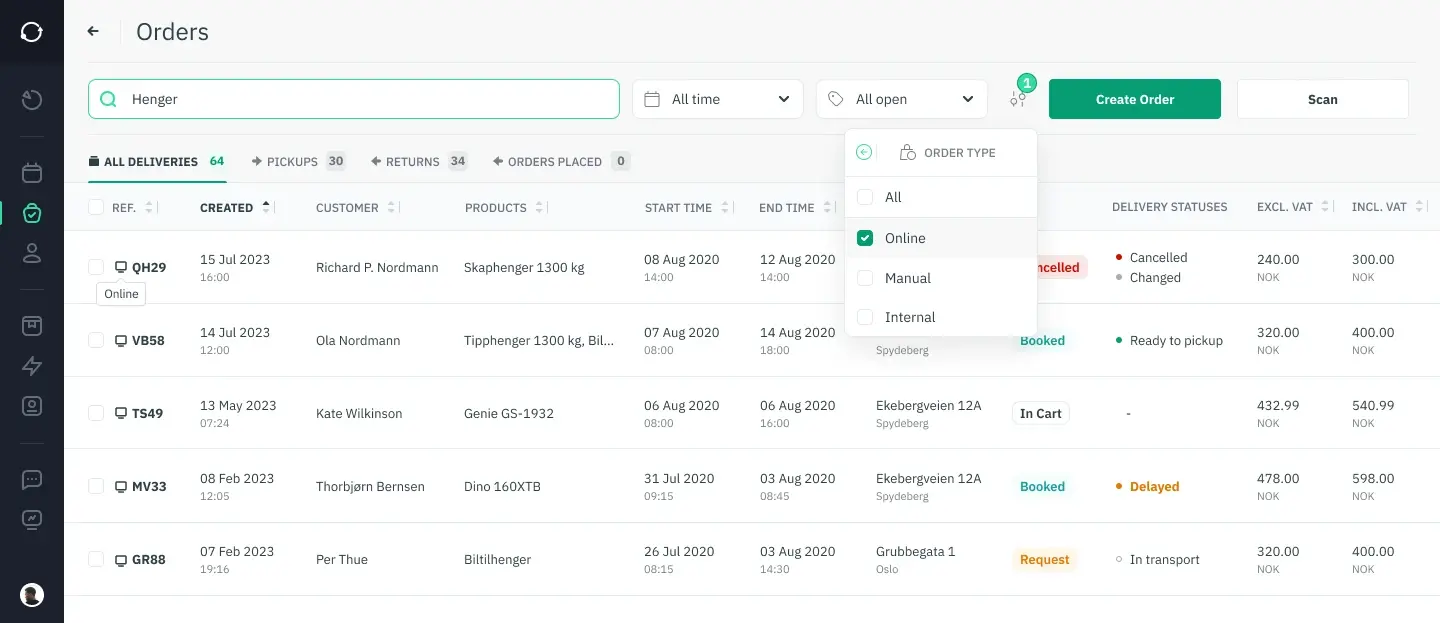
Renting out machinery and tools looks simple from the outside — someone books an item, picks it up, brings it back. In practice, every one of those steps is a place where things can go wrong: a double-booked excavator, a tool that was marked “available” but is actually mid-repair, an invoice that never gets sent. Order management is the discipline — and increasingly the software — that keeps those moving parts in sync.
This guide breaks down what order management actually involves for equipment and tool rental businesses, how a purpose-built order management system (OMS) changes day-to-day operations, and what to look for if you’re evaluating whether to automate.
Understanding order management
What order management actually covers
Order management is the full journey of a customer order — from the moment it’s placed to the moment the item is back on the shelf and ready to rent again. For a rental business, that journey has a few extra steps that a normal e-commerce order doesn’t: availability has to be checked against physical inventory in real time, the item has to come back in usable condition, and the whole cycle repeats with the next customer.
An order management system centralizes all of this — inventory status, customer details, contracts, payments, and order history — into one place, so staff aren’t reconciling a booking calendar, a spreadsheet, and a filing cabinet of paper contracts to answer one simple question: is this item free on Friday?
Why it matters more in rental than in retail
In a standard retail sale, once the order ships, the transaction is essentially closed. In rental, the item has to be tracked, maintained, and returned before it can generate revenue again — which means a single fulfillment mistake (a missed maintenance check, an item rented out twice) doesn’t just cost one sale, it can take a piece of equipment out of rotation entirely. According to Gartner’s definition of order management systems, the core purpose of an OMS is to give a business a single, accurate view of orders across their full lifecycle — and for rental operators, that accuracy directly protects utilization, the single biggest driver of rental profitability.
The stages of the order management process
The order management cycle for machinery and tool rental typically runs through:
- Order capture — recording customer and item details accurately, whether the booking comes from a website, a walk-in counter, or a phone call.
- Order promising — confirming real availability and giving the customer a realistic pickup or delivery window.
- Routing and fulfillment — allocating inventory, preparing the item (including any maintenance checks), and getting it to the customer.
- Tracking and returns — monitoring the rental period and processing the item back into inventory, including any damage inspection.
- History and analysis — using completed order data to spot patterns, refine pricing, and plan inventory purchases.
A well-configured rental booking system automates most of stages 1–3, which is usually where manual processes lose the most time.
Order management systems (OMS)
What an OMS does for a rental business
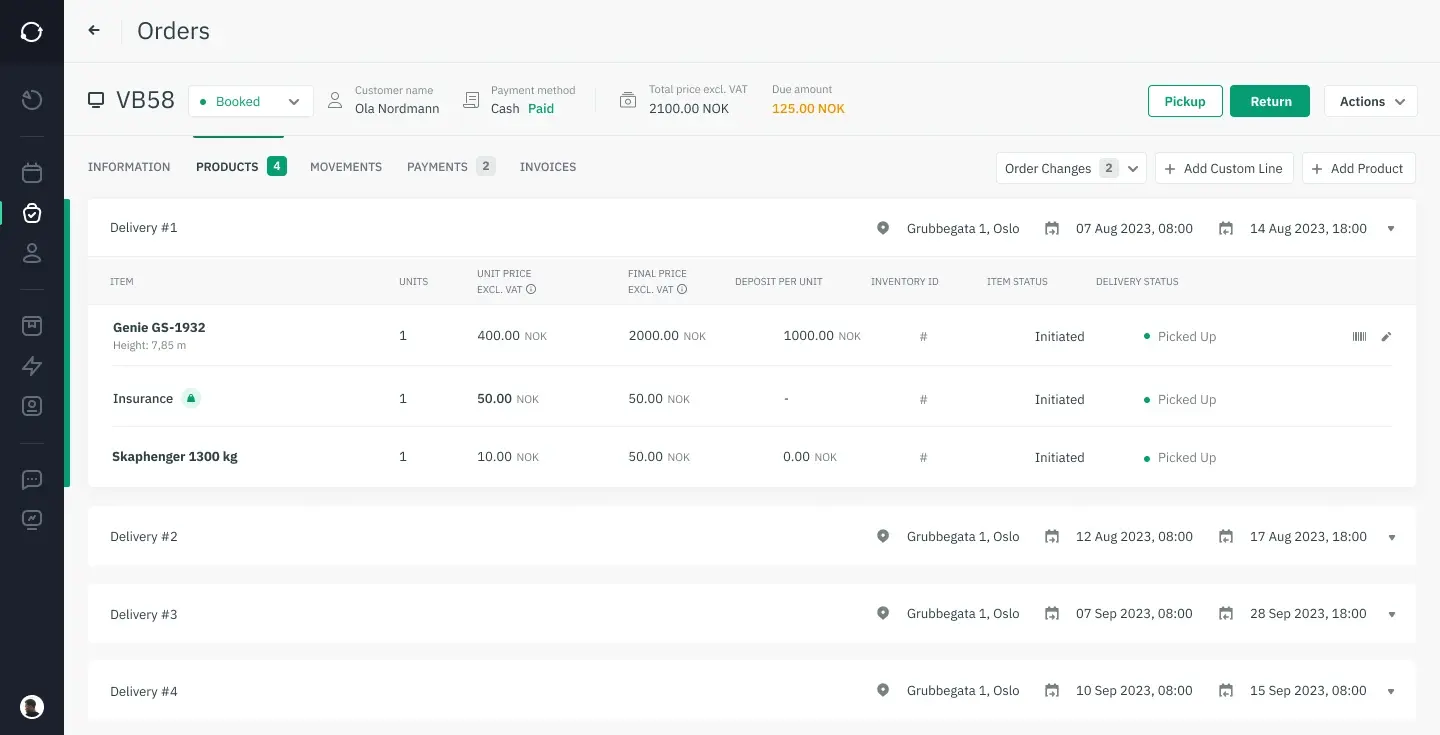
An order management system acts as the operational backbone of a rental company: it ties together booking, inventory status, contracts, and payments so that every department — front desk, warehouse, finance — is working from the same information. For businesses running tool rental software or managing a fleet of construction machinery, this integration is what prevents the classic rental headache: two customers booked for the same generator on the same day because the paper calendar and the online form weren’t talking to each other.
Key features to look for
The features that matter most for machinery and tool rental specifically are:
- Real-time inventory visibility — knowing exactly what’s available, what’s out, and what’s in maintenance, at any given moment.
- Automated order capture and promising — so a booking made online is immediately reflected in what staff and other customers see.
- Routing and fulfillment tools — including checklists for pre-rental inspection and route/delivery scheduling for heavier equipment.
- Returns and damage management — a structured process for inspecting returns and flagging repairs before the item goes back into the booking pool.
- Order history and reporting — the data trail that shows which items, categories, or seasons drive the most revenue.
The measurable benefits
Centralizing order details typically shows up in three places: fewer fulfillment errors, faster order cycle times, and better visibility into which equipment is actually earning its keep. Rental businesses that adopt structured inventory management practices alongside their OMS also tend to see the biggest gains, since order accuracy and inventory accuracy are really two sides of the same problem.
The order fulfillment process
From confirmed order to item in hand
Fulfillment starts the moment an order is confirmed. The system allocates the specific unit (not just “a drill” but drill #14), flags any pre-rental maintenance, and schedules pickup or delivery. For larger machinery, this stage often includes a physical inspection checklist and, for regulated equipment, an operator certification check — something fleet management best practices increasingly treat as a non-negotiable step rather than a nice-to-have.
Common failure points
The recurring problems in machinery and tool fulfillment are rarely about the software — they’re about visibility. Fluctuating demand meeting a fixed inventory pool, equipment breaking down mid-rental cycle, and returns processes that don’t catch damage until the item is already promised to the next customer. Each of these compounds if the business doesn’t have a live view of inventory condition and location.
What actually fixes it
The businesses that get ahead of these problems generally do three things: automate order capture so there’s no re-typing between systems, build real-time inventory tracking into the maintenance workflow (not as a separate spreadsheet), and set clear, written protocols for what happens when an item comes back damaged. None of this requires enterprise-level tooling — it requires the order and inventory data living in one system instead of three.
Automating order management
What changes when you automate
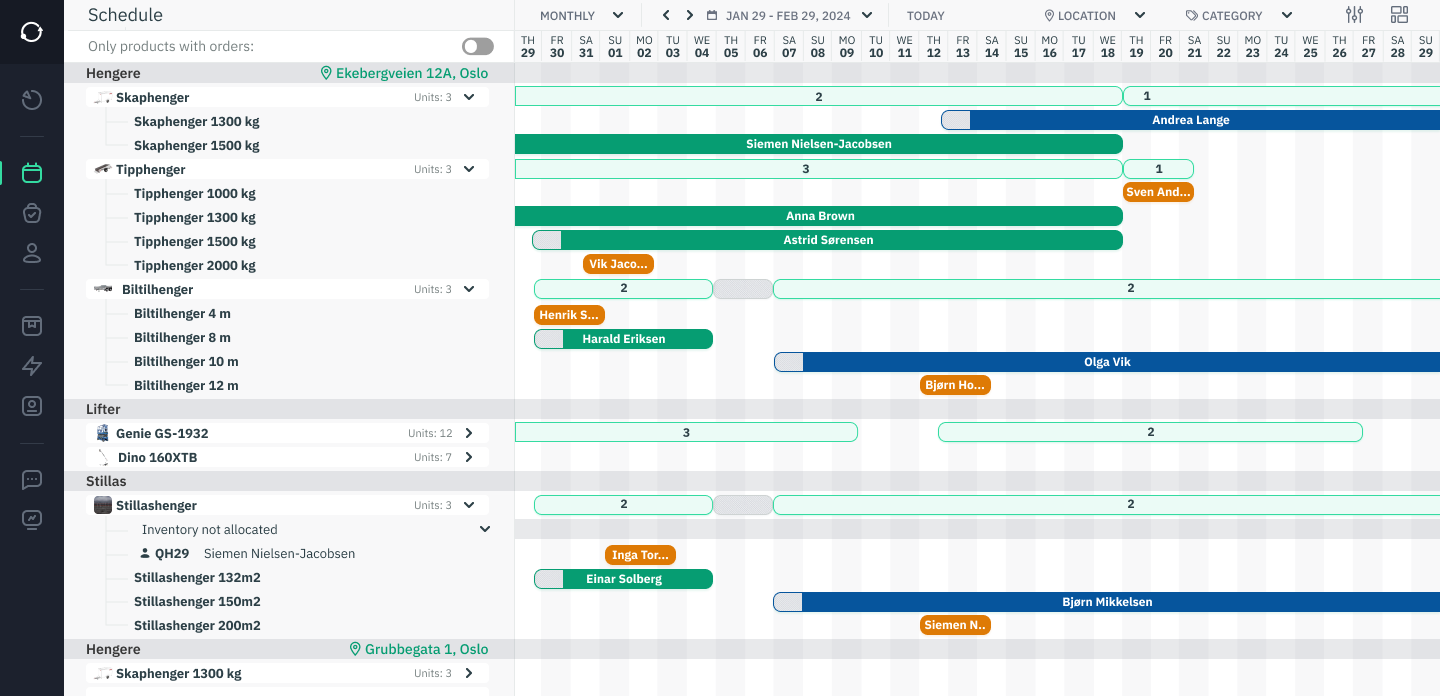
The most immediate effect of automation is fewer manual data-entry errors — which sounds small until you consider that a single mistyped date is what causes a double-booking six weeks later. Automated order capture, inventory allocation, and tracking also free up staff time that would otherwise go into reconciling bookings across channels, which matters most for smaller teams running a high volume of short-term rentals.
The tools that do the work
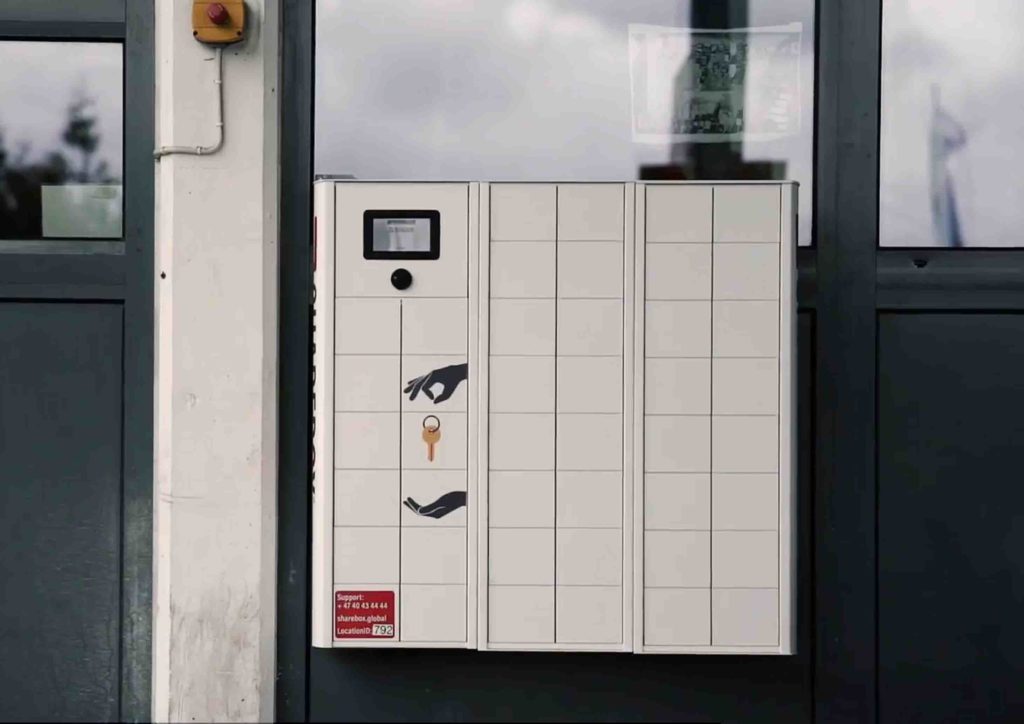
A rental-specific OMS is the core, but it rarely works alone. Most rental businesses pair it with accounting integrations (QuickBooks, Xero) and, increasingly, self-service booking tools that let customers reserve and even pick up equipment without a staff member present. The American Rental Association’s industry data has consistently pointed to online booking adoption as one of the fastest-growing operational shifts in the sector over the past few years.
What this looks like in practice
“We went from managing bookings across a shared calendar and a paper log to having one system that shows exactly what’s out, what’s due back, and what needs a maintenance check before it goes out again. It sounds basic, but that visibility is what let us stop turning away bookings we couldn’t actually confirm we had inventory for.” — Equipment rental operations manager, on switching to an automated order management workflow
Sharefox customers running tool and equipment rental operations, including Toolbox24, have gone through a similar transition — moving fragmented booking and inventory tracking into a single, automated system.
Distributed order management
When one location isn’t enough
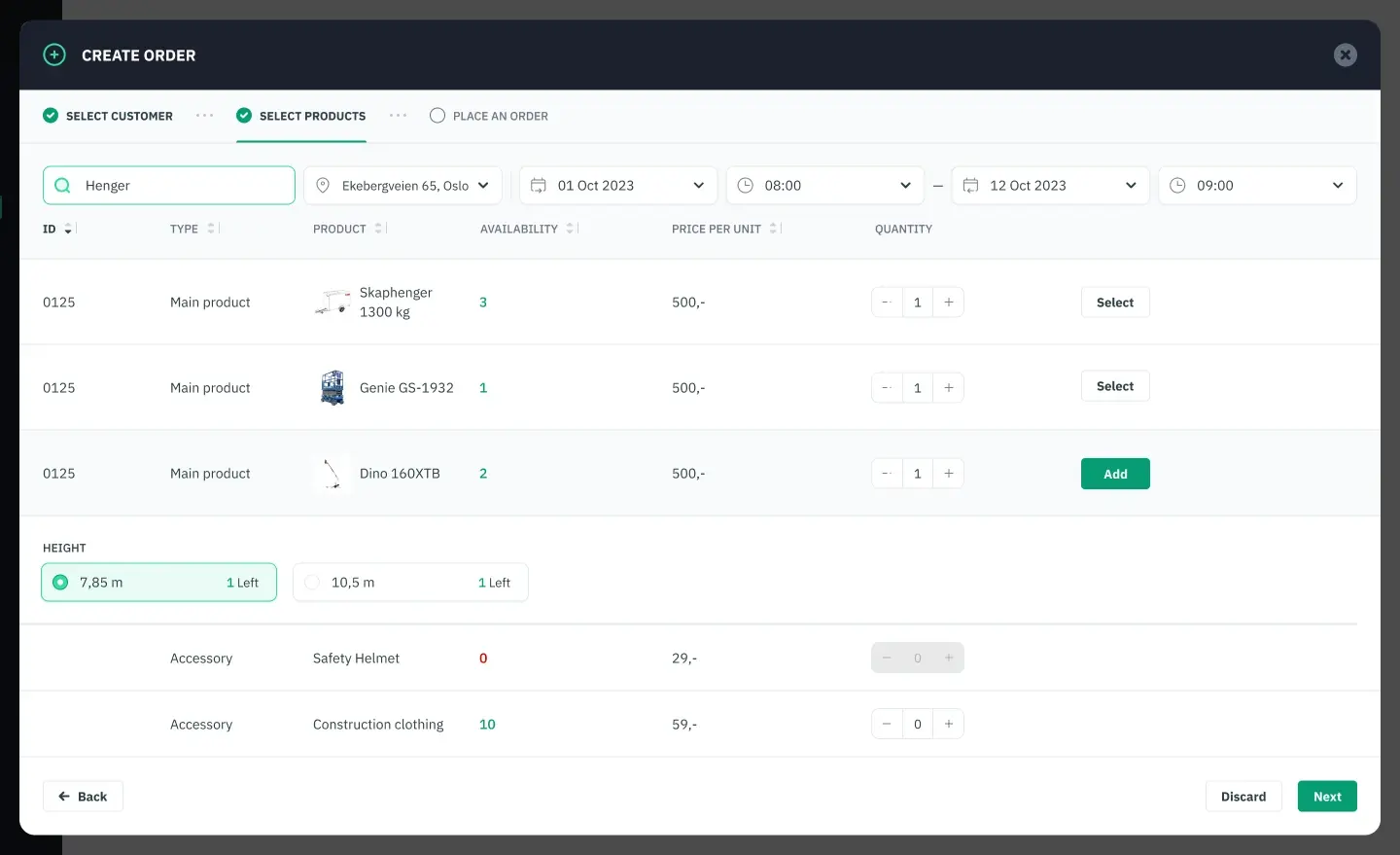
Distributed order management (DOM) becomes relevant once a rental business operates across multiple depots, warehouses, or partner locations. Instead of a single fixed inventory pool, a distributed order management system decides, for each incoming order, which location should fulfill it — based on proximity, current stock, and delivery cost.
Why it matters for machinery and tool rental specifically
Heavier equipment in particular tends to sit at fixed depots rather than move freely, which makes fulfillment routing genuinely complex: sending the wrong branch’s excavator to a job site three hours away erodes the margin on that rental instantly. A DOM layer on top of your core rental inventory management system is what makes multi-location routing decisions automatic instead of a phone call between branch managers.
Getting started with DOM
Moving to distributed order management is less about buying new software and more about getting the fundamentals right first: accurate real-time inventory at every location, clear fulfillment rules (cost, distance, current utilization), and staff training on the new routing logic. Businesses already running a solid single-location OMS have a much shorter path to this than those still working from spreadsheets.
Manual process vs. software OMS vs. distributed OMS
| Capability | Manual / spreadsheet process | Single-location OMS | Distributed OMS (multi-location) |
|---|---|---|---|
| Inventory visibility | Updated manually, often lagging reality | Real-time, single location | Real-time across all locations |
| Double-booking risk | High — depends on staff cross-checking | Low — system blocks conflicts | Low — plus smart routing between sites |
| Order routing | Manual phone calls / emails between staff | Automatic within one location | Automatic across the best-fit location |
| Reporting & history | Manual compilation, time-consuming | Built-in dashboards | Built-in, with per-location breakdowns |
| Best suited for | Very small, single-site operations | Single depot or shop | Multi-branch rental businesses |

 All in one platform


