 Skip to main content


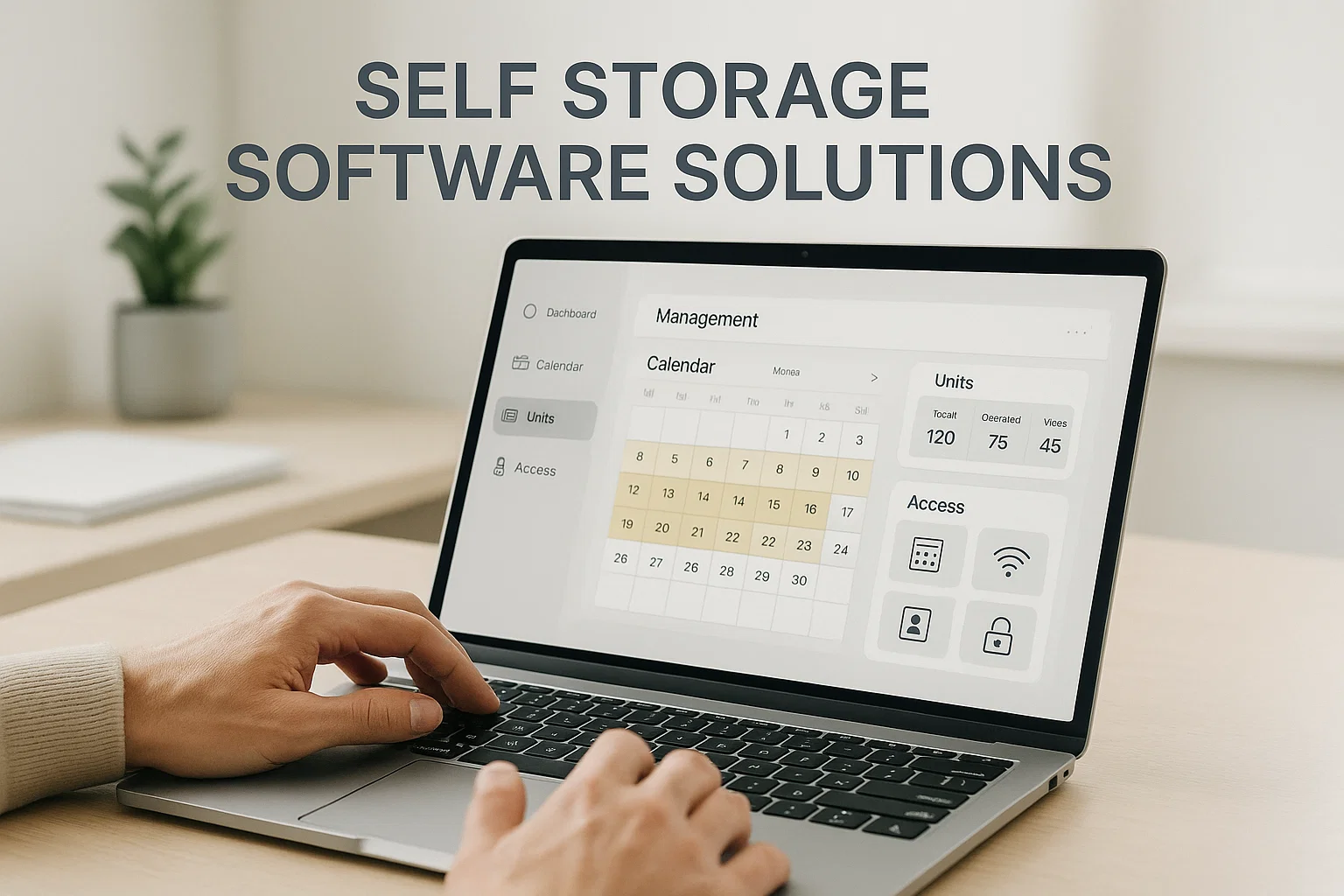
In the dynamic world of self-storage, selecting the right management software is paramount to operational success and sustained growth. This guide breaks down the 12 features that separate genuinely useful self-storage management software from a glorified spreadsheet, and what to look for before you sign a contract.
Why self-storage operators need dedicated management software
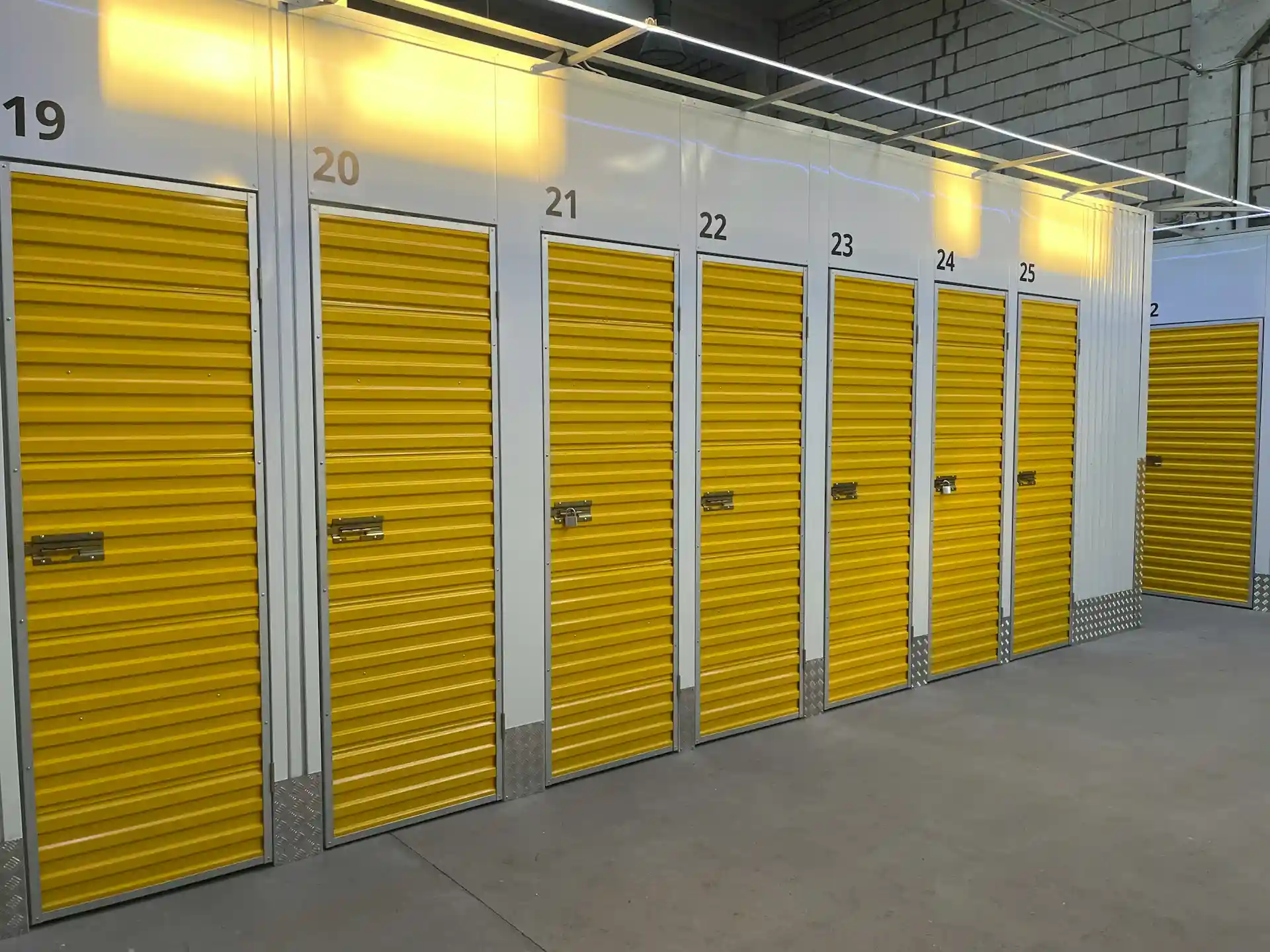
The self-storage industry — spanning self-storage facilities, mini-warehouses, and modular property rentals — is one of the more resilient corners of commercial real estate, and operators are increasingly expected to run leaner while renting more units. According to the Self Storage Association, the industry has continued to see steady demand for climate-controlled and drive-up units even as new supply has grown in many U.S. metros, which puts pressure on operators to differentiate through service and price, not just square footage.
That pressure is exactly why property managers are moving away from manual processes toward platforms that automate:
- Online booking and payment for storage units
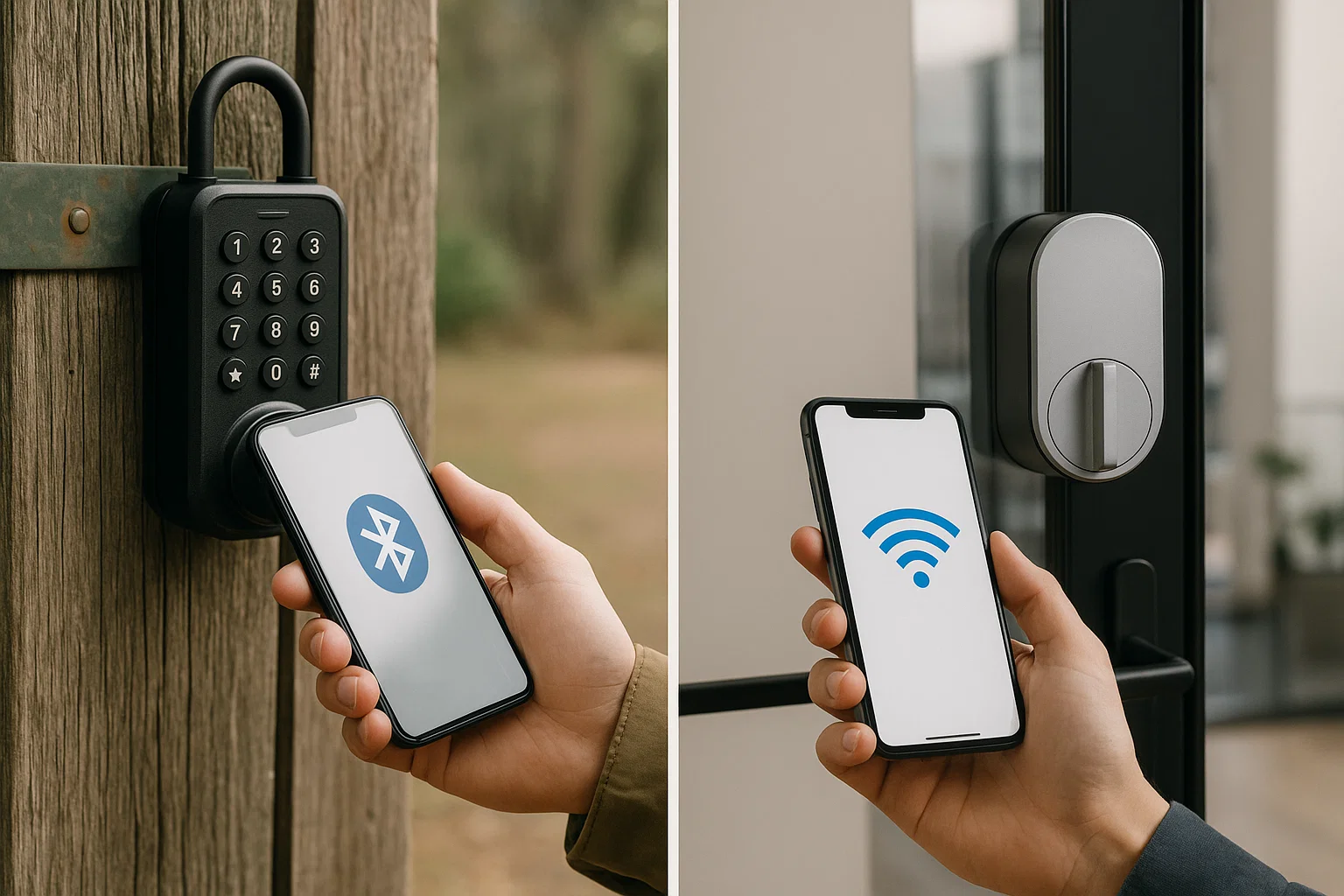
- Access and lock systems, reducing dependence on staff or a physical reception
- Quick expansion into new sites with minimal administrative overhead
- Subscription and long-term rental agreement management
“Facilities that let tenants book, pay, and access their unit without ever speaking to staff aren’t just cutting costs — they’re meeting a customer expectation that’s already standard in every other rental category, from cars to short-term housing.” — a pattern echoed across recent Inside Self-Storage industry coverage on self-service adoption.
What to look for: 12 features of the best self-storage software
A robust self-storage management system should function as an all-in-one rental commerce platform rather than a single-purpose booking tool. Here are the 12 features worth prioritizing during a software evaluation.
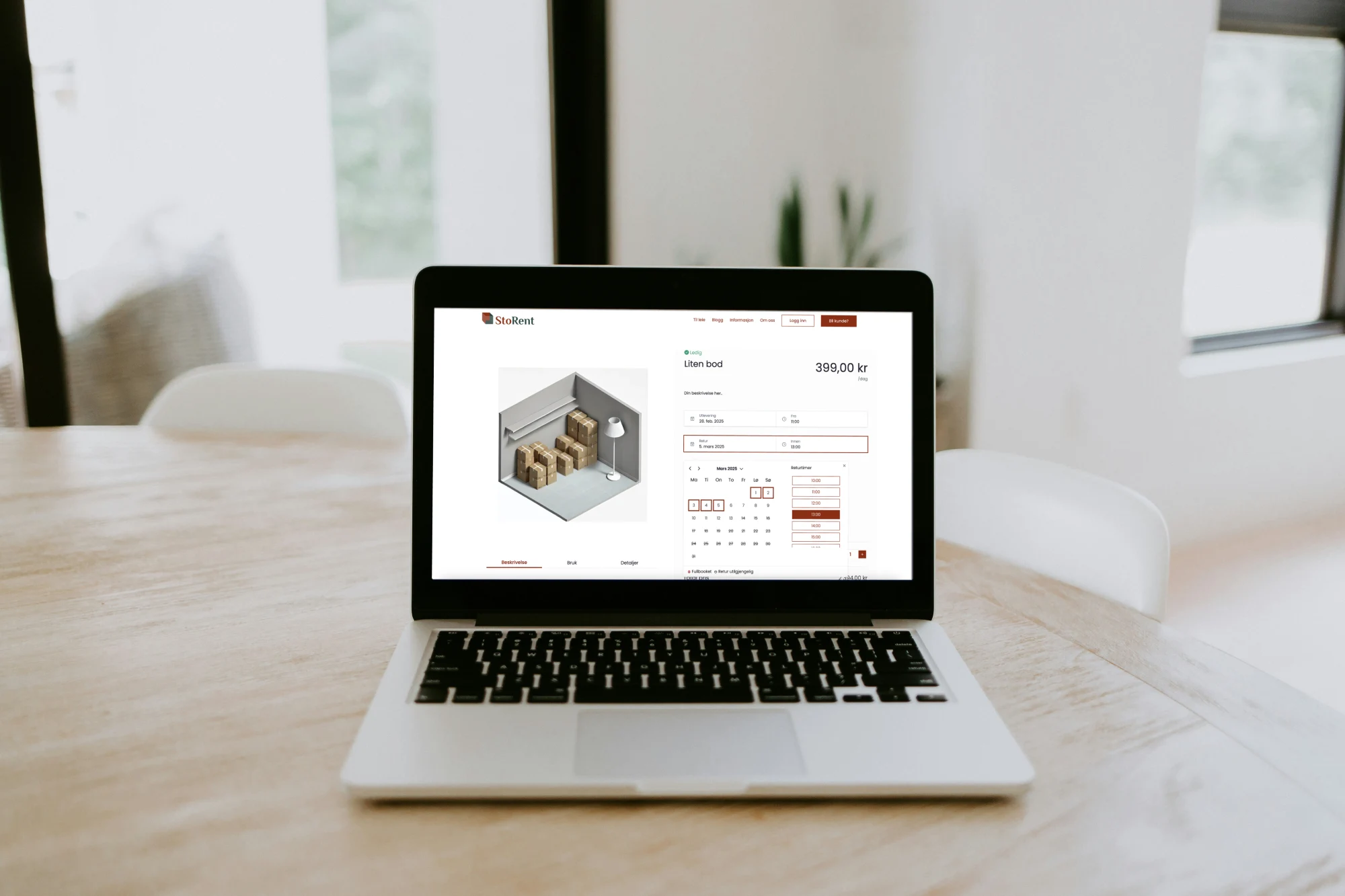
1. Online booking and self-service rental
Tenants should be able to browse unit availability, reserve, and complete a rental entirely online — no phone call required. This is the foundation of any self-service storage software offering.
2. Automated access control and smart locks
Integration with keypad, app-based, or smart lock systems lets tenants access their unit the moment payment clears, and automatically restricts access the moment an account goes delinquent.
3. Multi-unit and multi-site inventory management
Comprehensive booking and inventory management across one site or a growing portfolio, with a single dashboard view of occupancy, unit types, and availability.
4. Flexible rental models
The best software supports short-term, long-term, and subscription-style agreements side by side, so operators aren’t locked into a single pricing structure as demand shifts.
5. Integrated payment processing
Seamless online payment processing — including recurring billing — removes one of the biggest sources of manual admin and late payments.
6. Accounting and financial integrations
Native or API-based connections to accounting platforms keep revenue reconciliation accurate without duplicate data entry.
7. Automated billing and late-fee management
Auto-invoicing, dunning emails, and automated late fees reduce collections work and improve cash flow predictability — a core part of revenue management for self-storage.
8. Lease and contract management
Digital lease generation, e-signatures, and automatic renewal handling are essential for maintaining recurring revenue and staying compliant across jurisdictions.
9. CRM and tenant communication tools
Built-in messaging, reminders, and tenant history keep communication centralized instead of scattered across email inboxes and spreadsheets.
10. Cloud-based, real-time dashboard
A cloud-based platform gives operators real-time access and management capability from anywhere — critical for multi-site portfolios and remote teams.
11. ID verification and digital contracts
Automated ID verification at sign-up reduces fraud risk and speeds up the online rental process without adding staff workload.
12. Reporting and revenue management analytics
Occupancy trends, revenue-per-square-foot, and churn reporting help operators make pricing and expansion decisions based on data rather than guesswork.
How these features compare: manual operations vs. software-driven operations
| Operational area | Traditional / manual management | Software-driven management |
|---|---|---|
| Unit booking | Phone/in-person only, business hours | 24/7 online self-service |
| Access control | Physical keys, on-site staff | Automated smart locks, app/keypad access |
| Payments | Checks, in-person card terminal | Recurring automated online payments |
| Late accounts | Manual follow-up calls | Automated reminders + access restriction |
| Multi-site visibility | Separate spreadsheets per site | Single real-time dashboard |
| Expansion overhead | High — new admin per site | Low — configure and go live remotely |
| Lease renewals | Manual paperwork | Digital, e-signed, auto-renewing |
What self-storage software costs, and how to think about the investment
Pricing for self-storage software varies based on the number of units, sites, and which integrations (payments, accounting, ID verification) are included. Rather than comparing sticker price alone, it’s worth weighing the upfront cost against:
- Staff hours saved by automating booking, billing, and access
- Reduced vacancy from 24/7 online conversion
- Faster, lower-cost expansion into additional sites
- Fewer late payments due to automated collections
Operators evaluating cost can start with a free ROI calculator to estimate payback time based on their own occupancy and staffing numbers.



 All in one platform


